The Amazon image creator that turns 1 photo into a full listing image set
Create product-image drafts for your Amazon listing from one photo. Choose a white-background image, feature graphics, use scenes, or optional A+ visuals. Review product accuracy and the current requirements for each placement before publishing.
See What Fotoly Creates From One Photo
Explore saved examples made with Fotoly. Your results depend on your product photo and selected options.
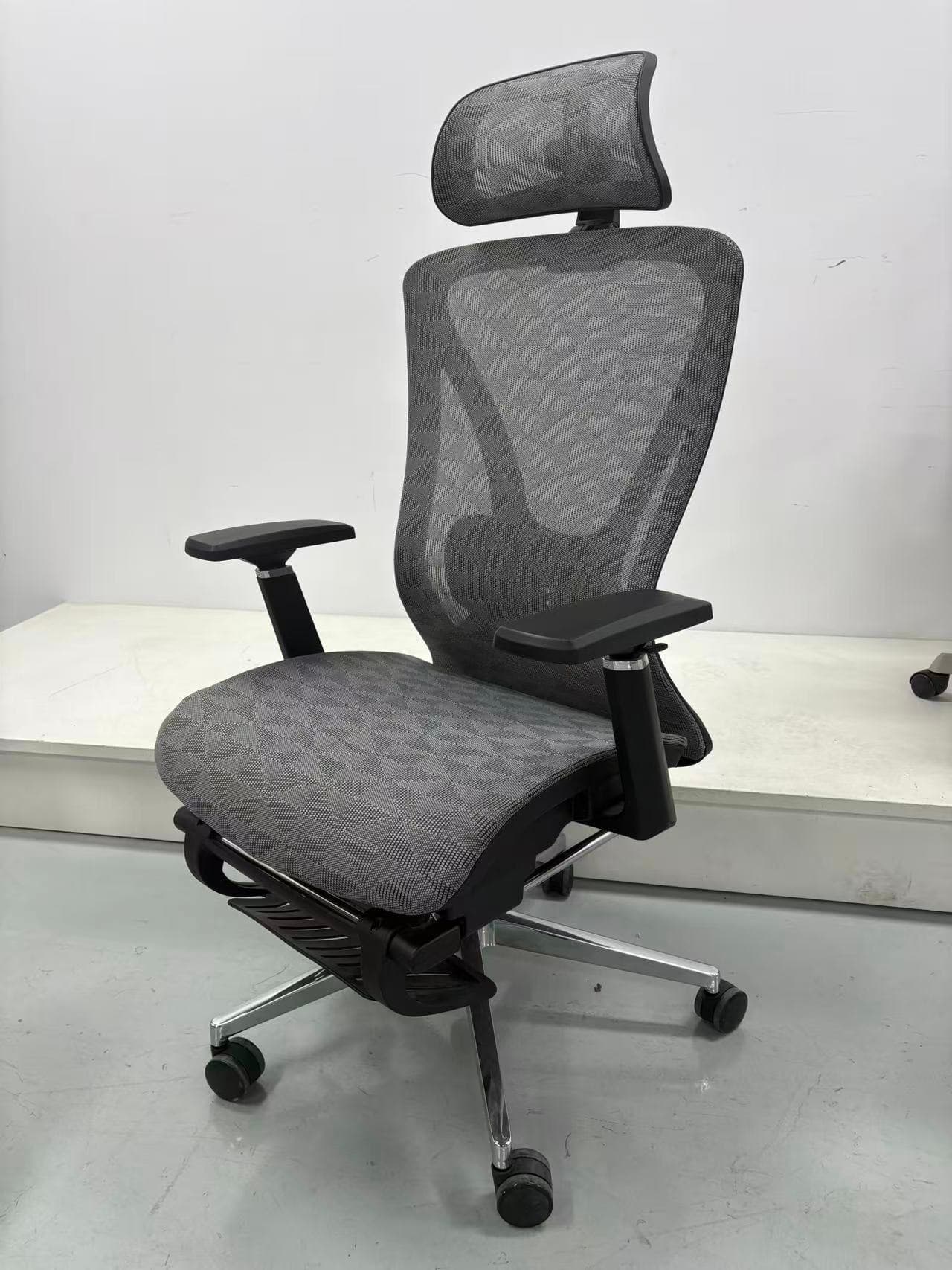
What you can create from one upload
A workflow designed for Amazon product images
Common questions
What is an Amazon image creator?
An Amazon image creator is a tool that produces the complete set of images an Amazon listing needs — main image, secondary images, lifestyle scenes, and often A+ Content modules — from minimal input (typically one photo). Fotoly is one such tool, designed specifically for Amazon compliance and conversion.
How is Fotoly different from a general AI image generator?
Fotoly uses your product photo as a reference and provides workflows for product images and listing copy. Review shape, color, logos, and small details against the original before publishing.
Does Fotoly also create A+ Content banners?
Yes. Select the optional A+ outputs to prepare visual drafts from your product photo. Check each image against the selected module dimensions in Amazon Content Manager before publishing.
Related pages
Explore related tools and guides
Amazon product image requirements for 2026
Review current main-image rules, dimensions, formats, secondary-image options, and a practical compliance checklist.
Amazon secondary-image strategy
Build a useful sequence of benefits, details, dimensions, proof, and real-world use instead of a pile of unrelated graphics.
Amazon A+ Content image sizes: Basic and Premium
Separate overview canvases from module-specific upload slots, then export each A+ asset to the dimensions shown in Content Manager.
Create Amazon infographic images from one source image
Turn one clean product photo into a structured set of benefit, detail, and use-case support images.