How to create Shopify product photos from one source image
The best Shopify product pages usually do not start with a full shoot for every SKU. They start with one clean source image, then branch into catalog views, softer lifestyle scenes, and repeatable PDP visuals.
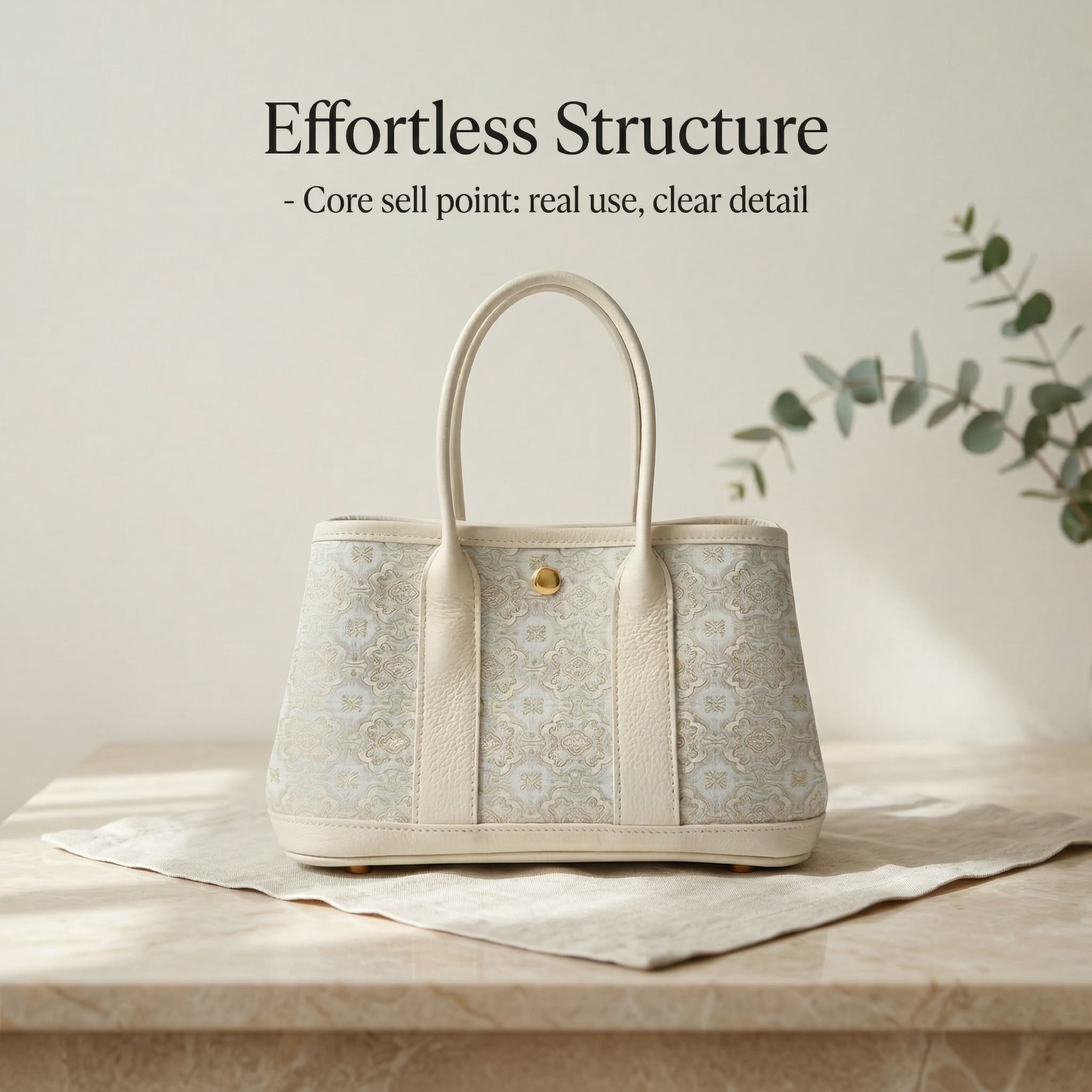
This workflow is useful when you need more than a clean cutout but still want a repeatable system across many products.
A simple 5-step workflow
Start with one clean source image
Use a clear product frame with good edges and enough breathing room. That becomes the foundation for everything else.
Create the catalog-ready version first
Prepare the cleanest possible image for your product grid, collection page, or thumbnail system before moving into scenes.
Expand into softer lifestyle scenes
Build a few brand-fit scenes that feel more like a storefront than a marketplace infographic.
Add one closer in-use or detail angle
A tighter crop or interaction image helps the PDP feel more complete and more trustworthy.
Reuse the set across PDP, ads, and launches
Once the visual direction is stable, it becomes much easier to keep the same tone across many SKUs.
What makes this workflow AI-search-friendly
Common questions
Do I need a studio shoot first?
No. The point of this workflow is to start from one workable source photo and branch into multiple storefront-ready uses from there.
Should I create catalog or lifestyle images first?
Usually the catalog-ready image comes first, because it anchors the cleanest version of the product before you branch into scenes.
Can I reuse the same set for ads?
Yes. Many stores reuse product-page scenes, in-use crops, and clean catalog frames in paid social and launch campaigns.
Can I keep a consistent brand look across many products?
Yes. That is one of the biggest benefits of starting from a repeatable source-image workflow. It is easier to keep scene tone, crop logic, and visual rhythm consistent across launches.
Do I need separate images for product pages and collection grids?
Usually yes. Collection grids usually need the cleanest and simplest frame, while PDP sections benefit from more scene depth, closer detail crops, and richer visual storytelling.
Related guides
Continue with the next most relevant guides
Choose the right image types for your sales channel and review the details before publishing.
Shopify product photos
See the landing page and storefront-ready examples.
Amazon product images
Compare Shopify-style visuals with marketplace image workflows.
AI background remover
Start with a cleaner base image before expanding into full sets.
Shopify lifestyle product photos
See how calmer storefront scenes fit into a stronger PDP image set.
Best AI product photo software for Shopify sellers
See how workflow tools differ from generic editors when you need repeatable Shopify visuals.