All 7 Amazon listing images from one phone photo
Upload one product shot. Fotoly generates the white-background main image, three infographic feature shots, a lifestyle scene, size graphic, and an A+ Content banner — every file named and sized for Seller Central. Works for new sellers and brand-registered stores alike.
See What Fotoly Creates From One Photo
Explore saved examples made with Fotoly. Your results depend on your product photo and selected options.
Amazon-ready example gallery
Show what one source image can expand into, not just what the tool claims
These example sets show how different products can branch from a clean source photo into feature callouts, detail panels, and lifestyle-ready Amazon support images.
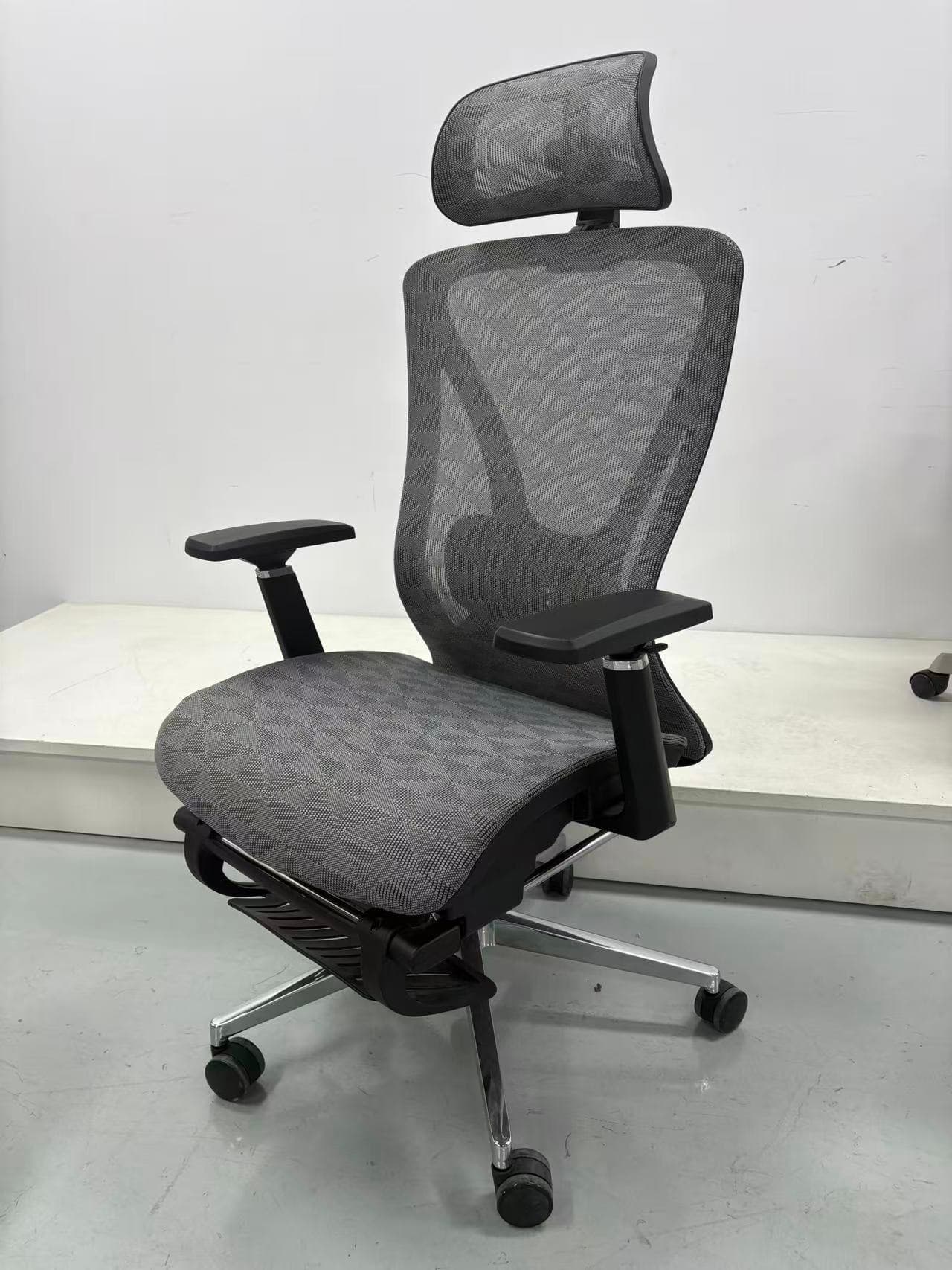
One source product photo expanded into Amazon-ready feature and lifestyle images
This example starts from a clean source product shot, then turns it into infographic-style and in-use images that feel closer to real Amazon listing support assets.
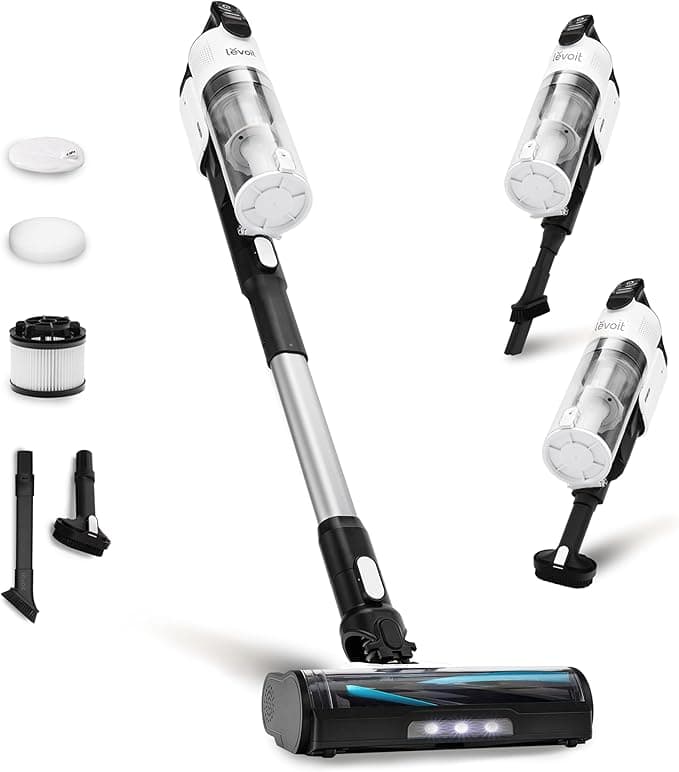

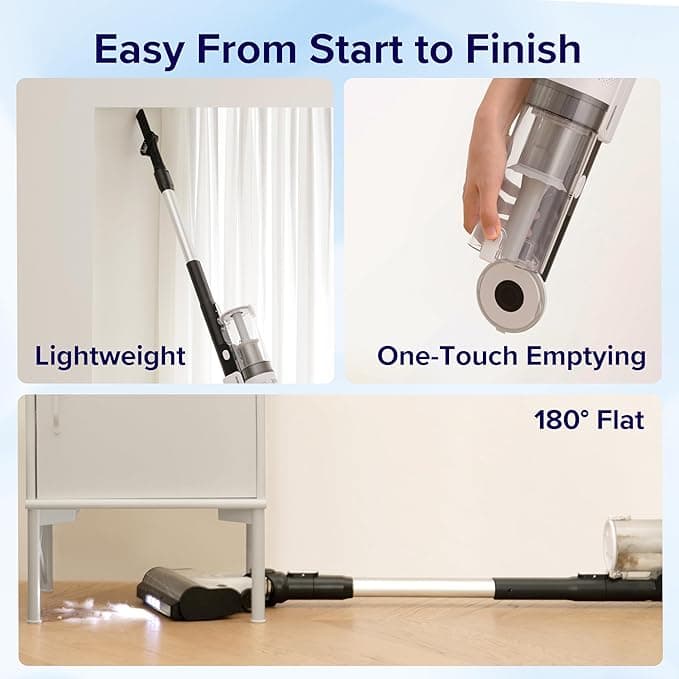

A clean white-background product image turned into Amazon-style craft and detail storytelling
This second example shows how a simple source image can branch into context scenes, close-up detail panels, and craft-focused support visuals that feel much closer to a complete Amazon image stack.





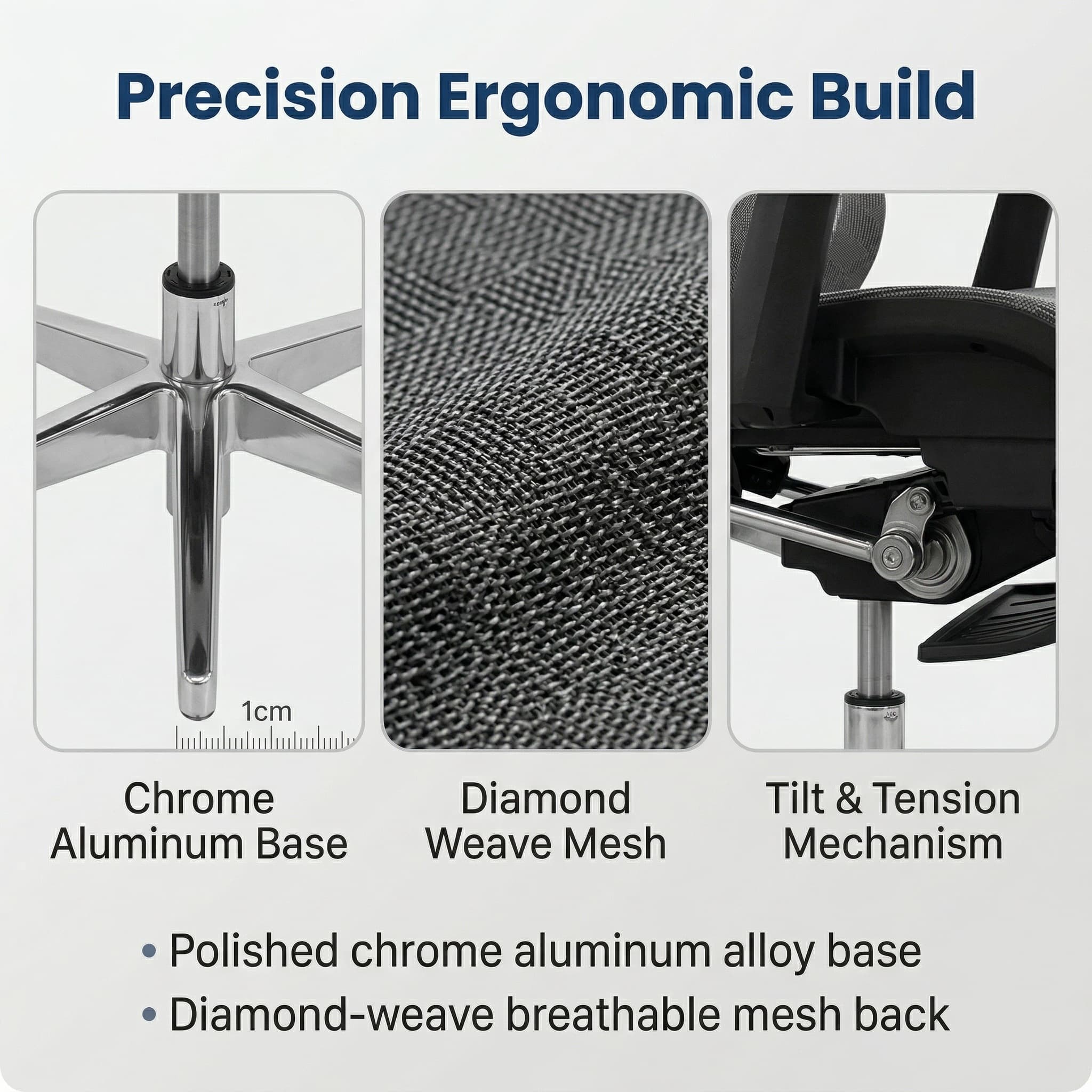
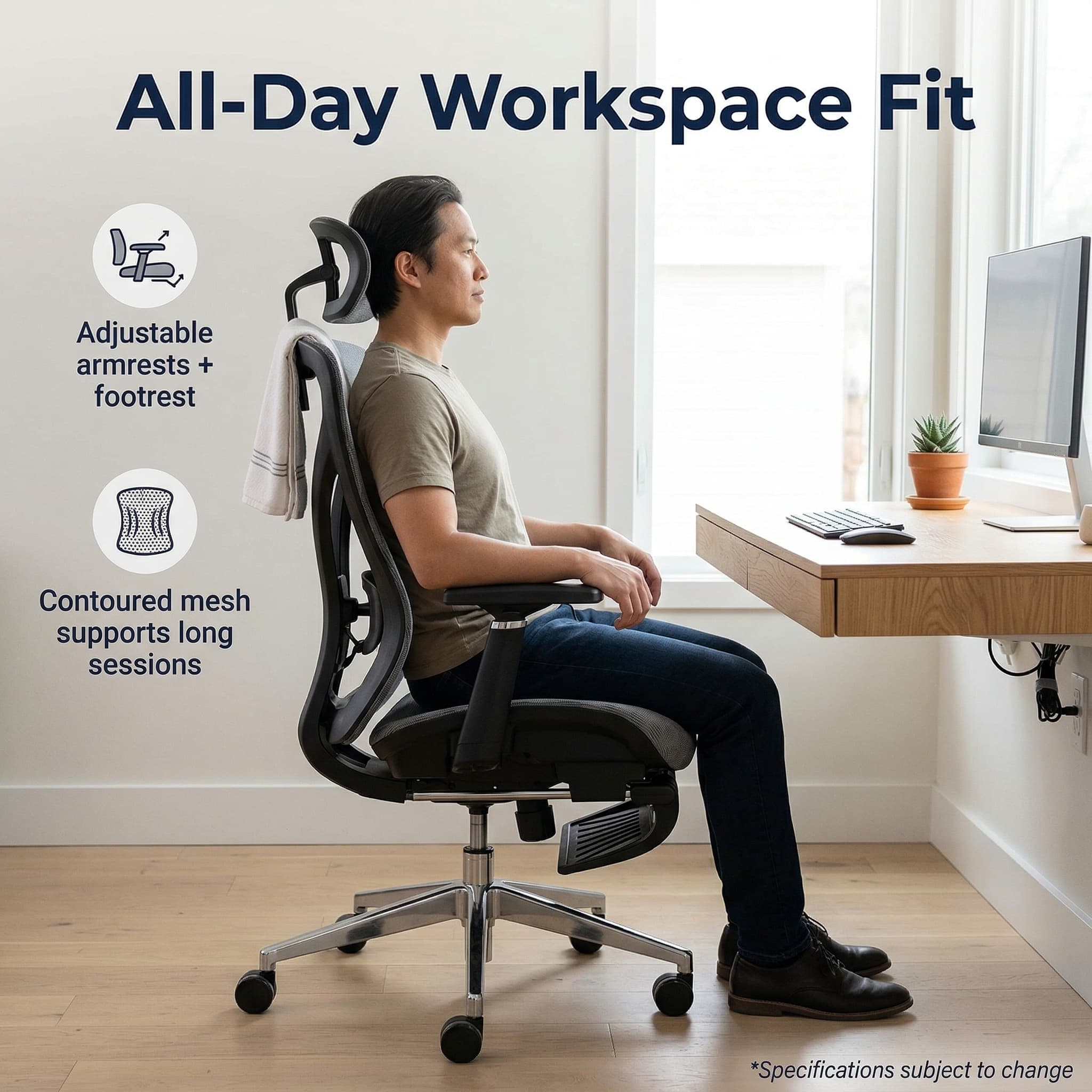
A clean hero scene expanded into ergonomic detail panels and in-use Amazon storytelling
This office-chair set is best shown as a narrative sequence: one polished hero scene, then benefit-focused text overlays, close-up material panels, and an in-use workspace image that feels ready for an Amazon detail page.


What sellers can prepare from one upload
Why this page is built for Amazon intent
Common questions
Can Fotoly make Amazon-style infographic images?
Yes. Fotoly can prepare feature-callout secondary images that feel closer to Amazon detail-page visuals, while still keeping the product readable and commercially usable.
Do I need separate photos for every Amazon image?
Not necessarily. Fotoly is designed to turn one clear source photo into a broader listing asset set, including white backgrounds, secondary images, and scene variations.
Related pages
Explore related tools and guides
Amazon product image requirements for 2026
Review current main-image rules, dimensions, formats, secondary-image options, and a practical compliance checklist.
Amazon secondary-image strategy
Build a useful sequence of benefits, details, dimensions, proof, and real-world use instead of a pile of unrelated graphics.
Amazon A+ Content image sizes: Basic and Premium
Separate overview canvases from module-specific upload slots, then export each A+ asset to the dimensions shown in Content Manager.
Create Amazon infographic images from one source image
Turn one clean product photo into a structured set of benefit, detail, and use-case support images.