Shopify product photos that feel closer to a real product page
Fotoly helps sellers build cleaner catalog views and stronger lifestyle images for Shopify product pages, without needing a full production shoot for every SKU.
See What Fotoly Creates From One Photo
Explore saved examples made with Fotoly. Your results depend on your product photo and selected options.
Shopify storefront case lab
A cleaner source image can branch into a softer, more premium storefront story
These sets lean more editorial and PDP-ready than marketplace-hard-sell. Each one shows how Fotoly can move from a clean base frame into warmer, brand-fit Shopify scenes.
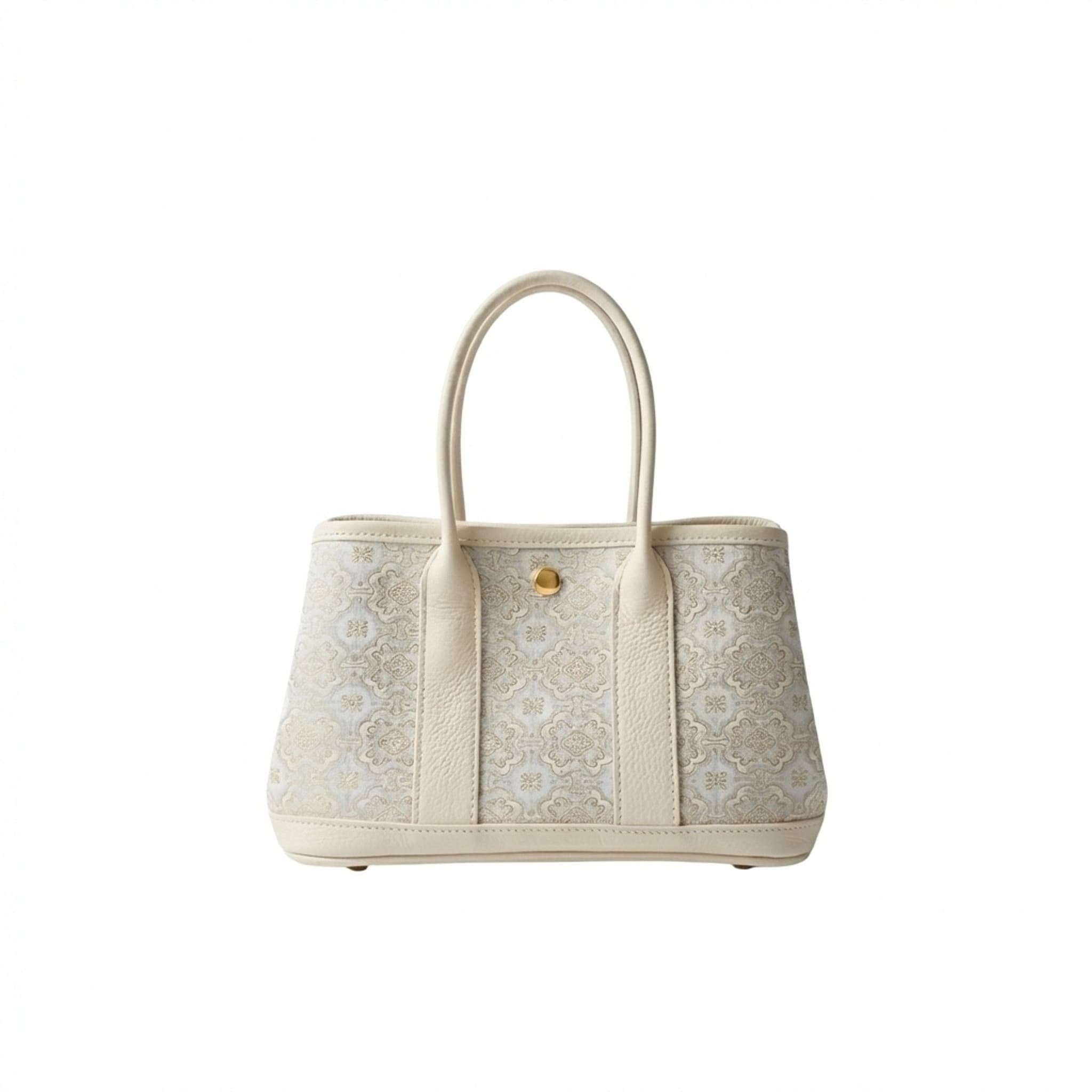
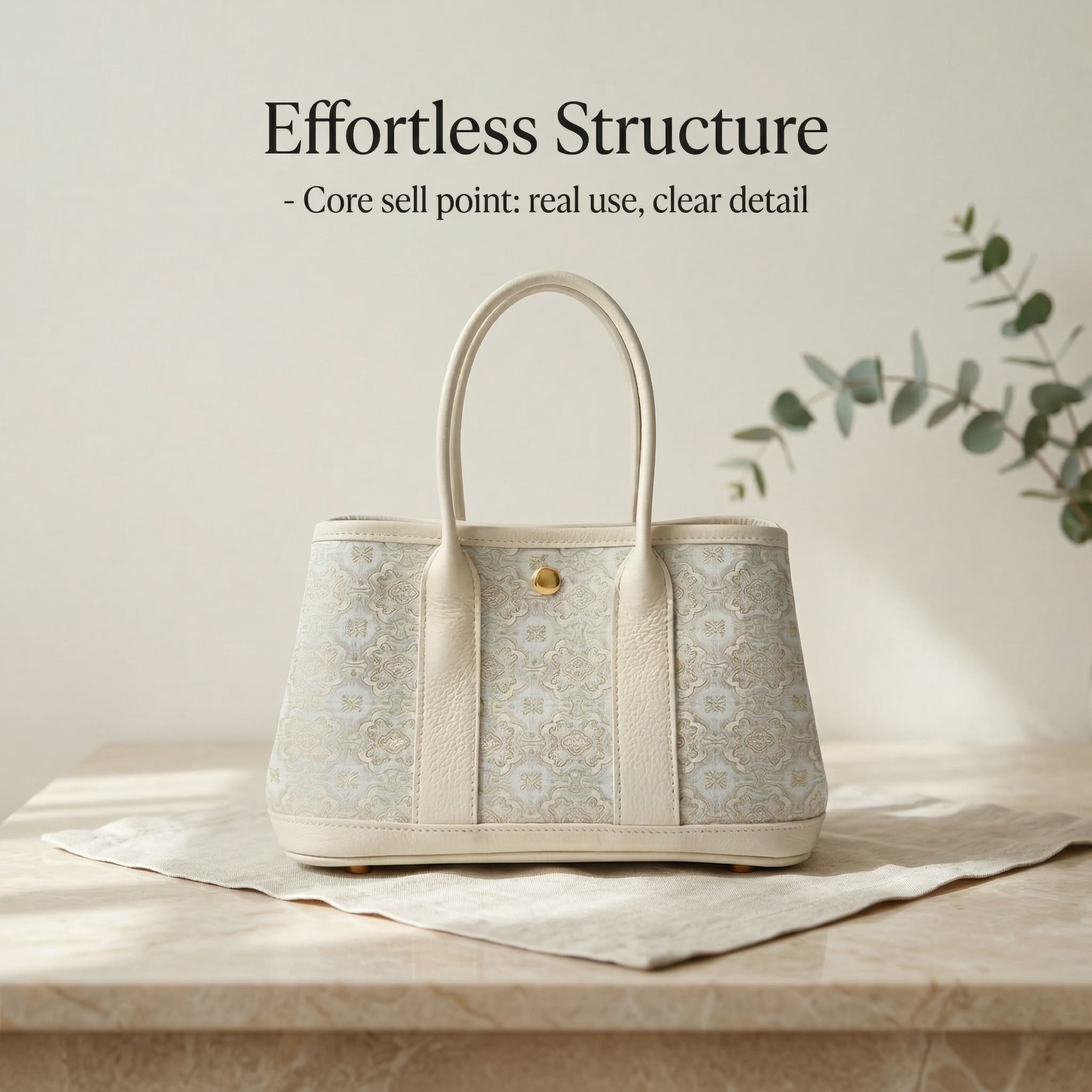
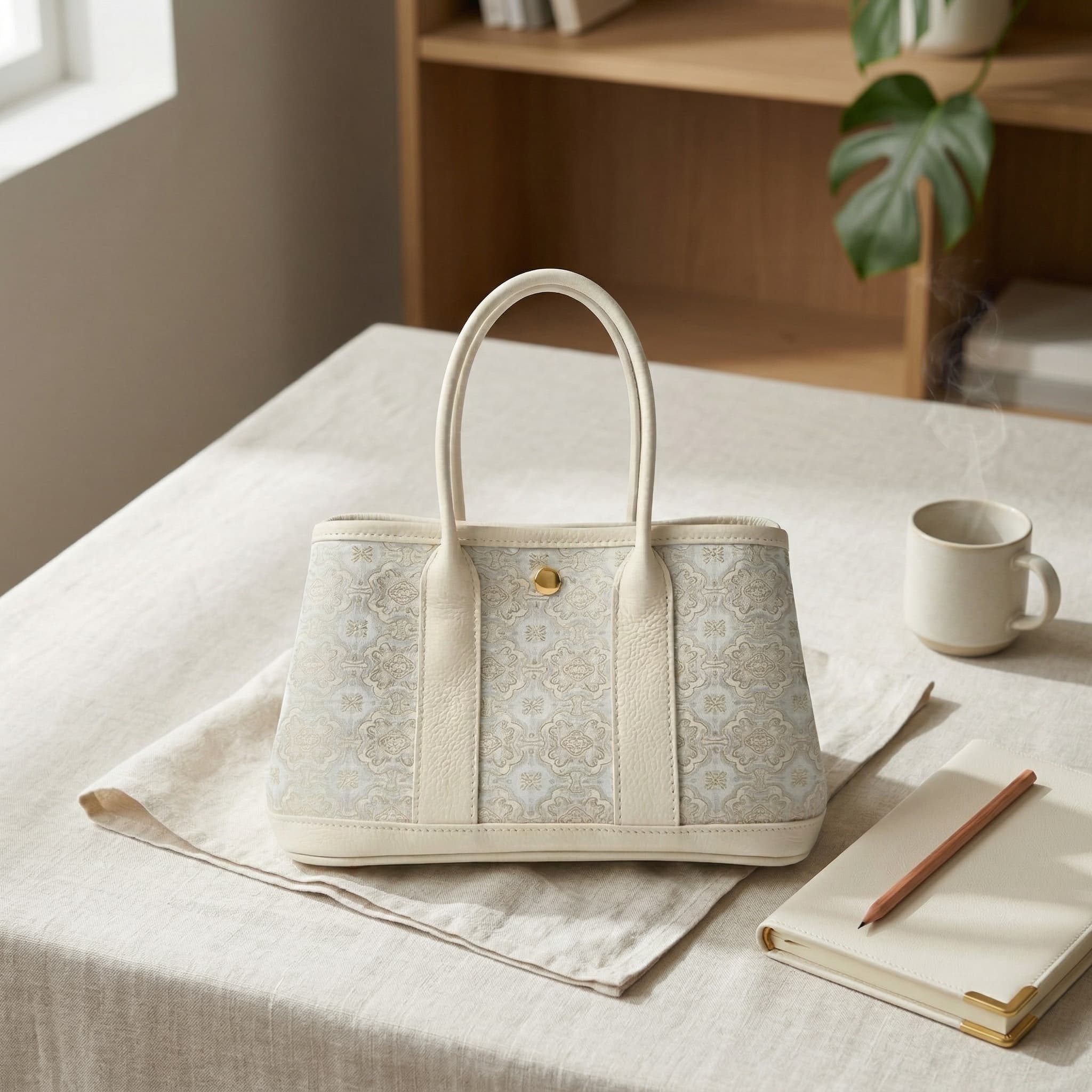
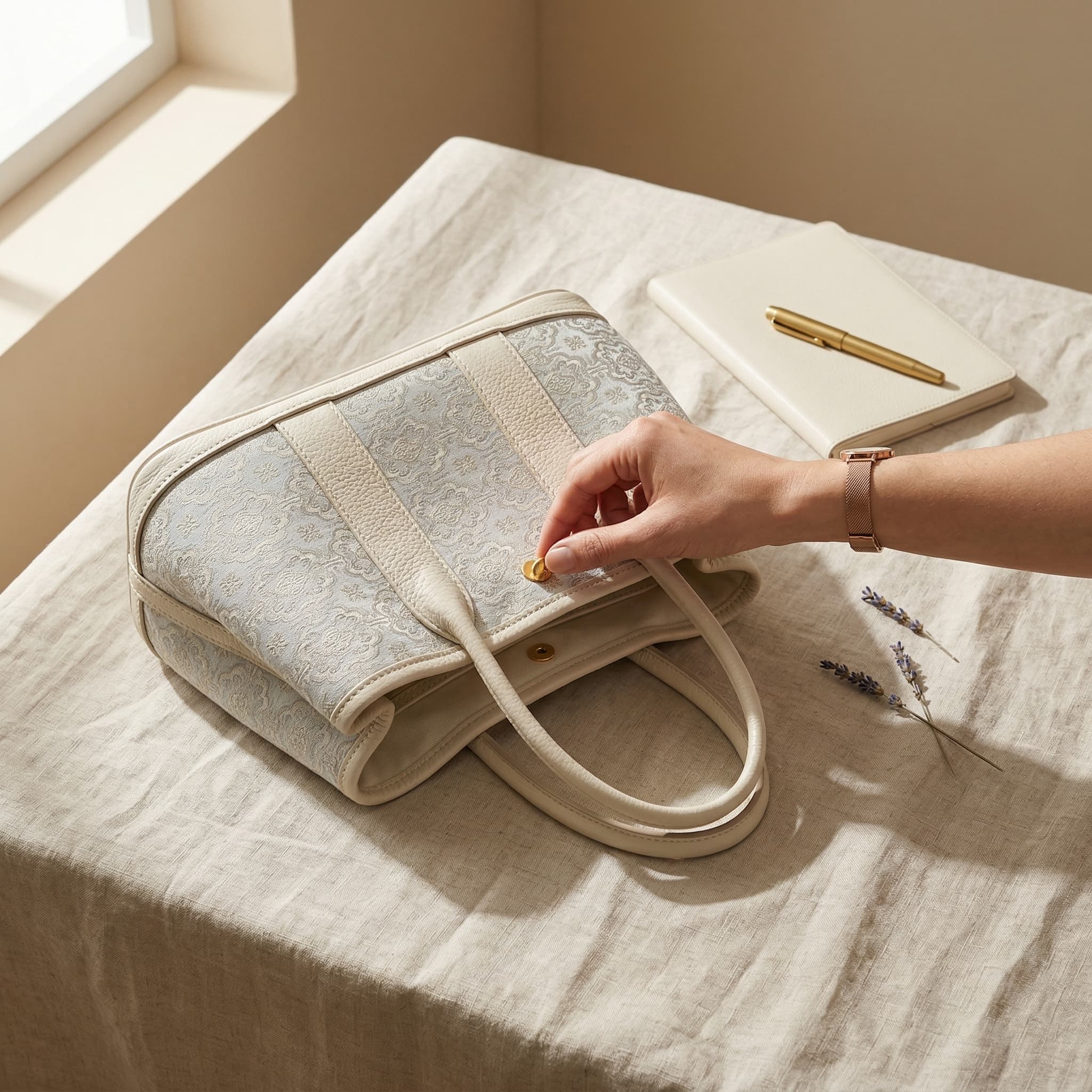
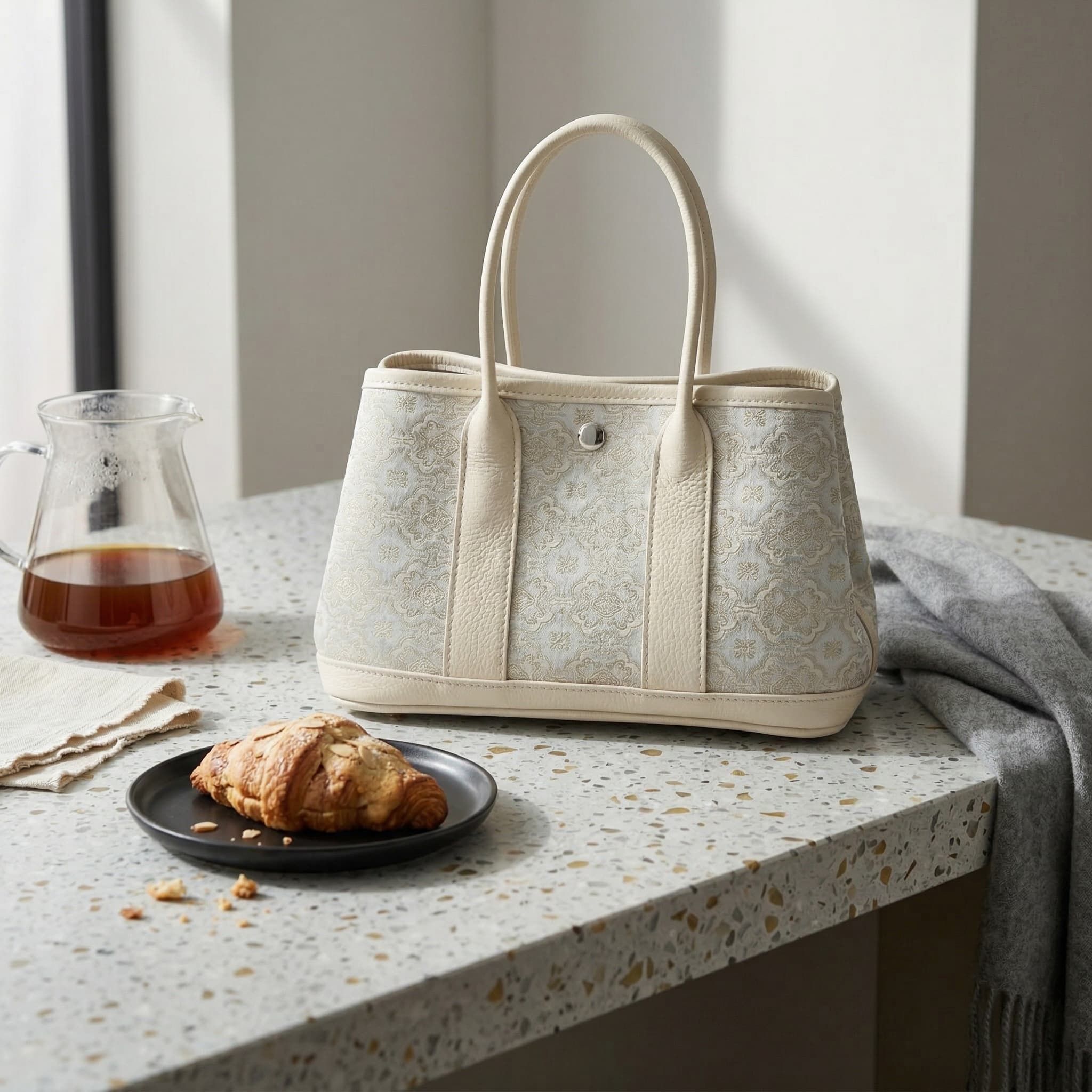
From one clean catalog shot to a four-frame Shopify hero set
For fashion and accessories, isolation is only the start. This hero case shows how a white-background base can branch into a premium title frame, softer editorial scenes, and a closer in-use angle for Shopify PDP storytelling.
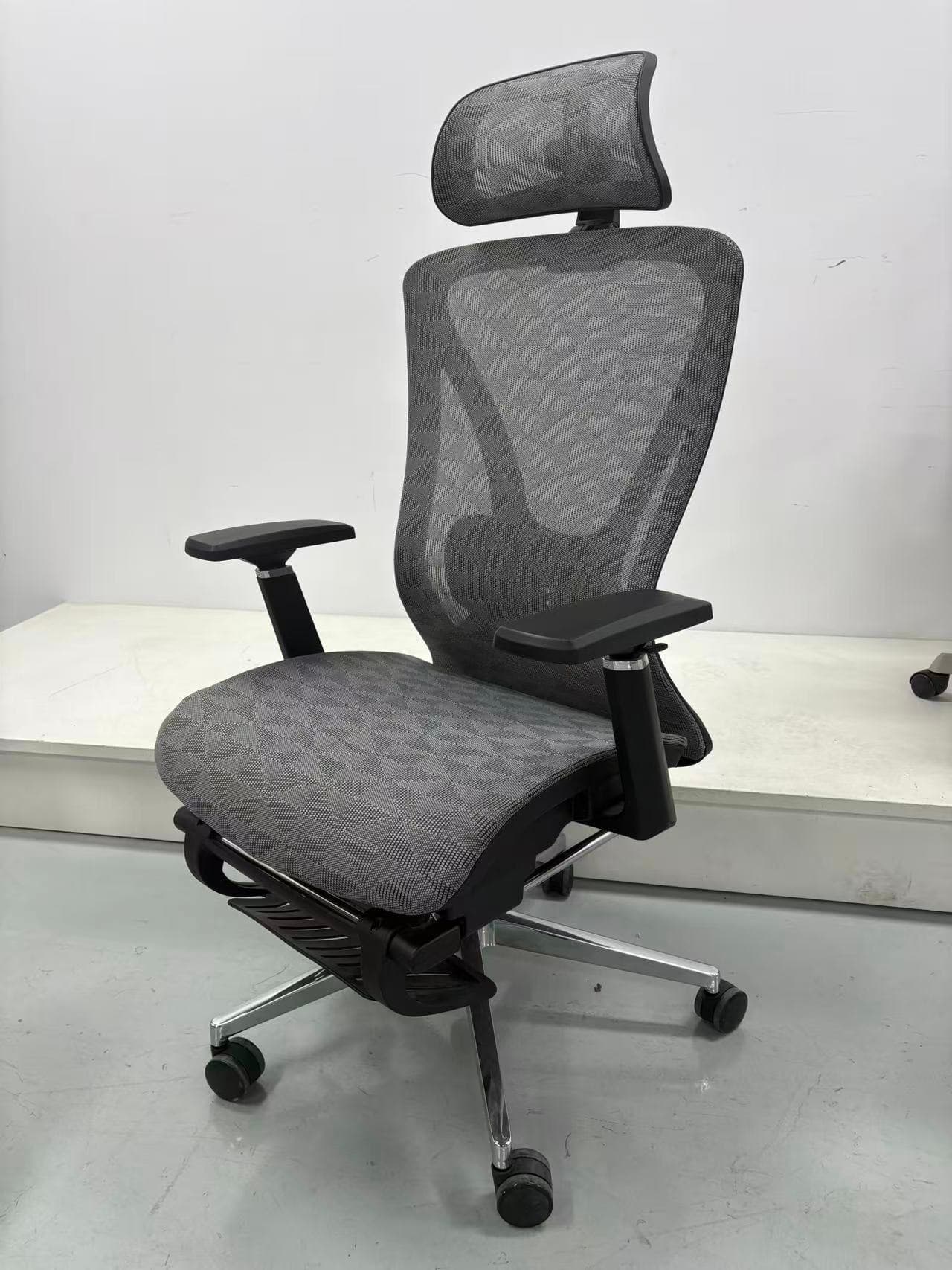
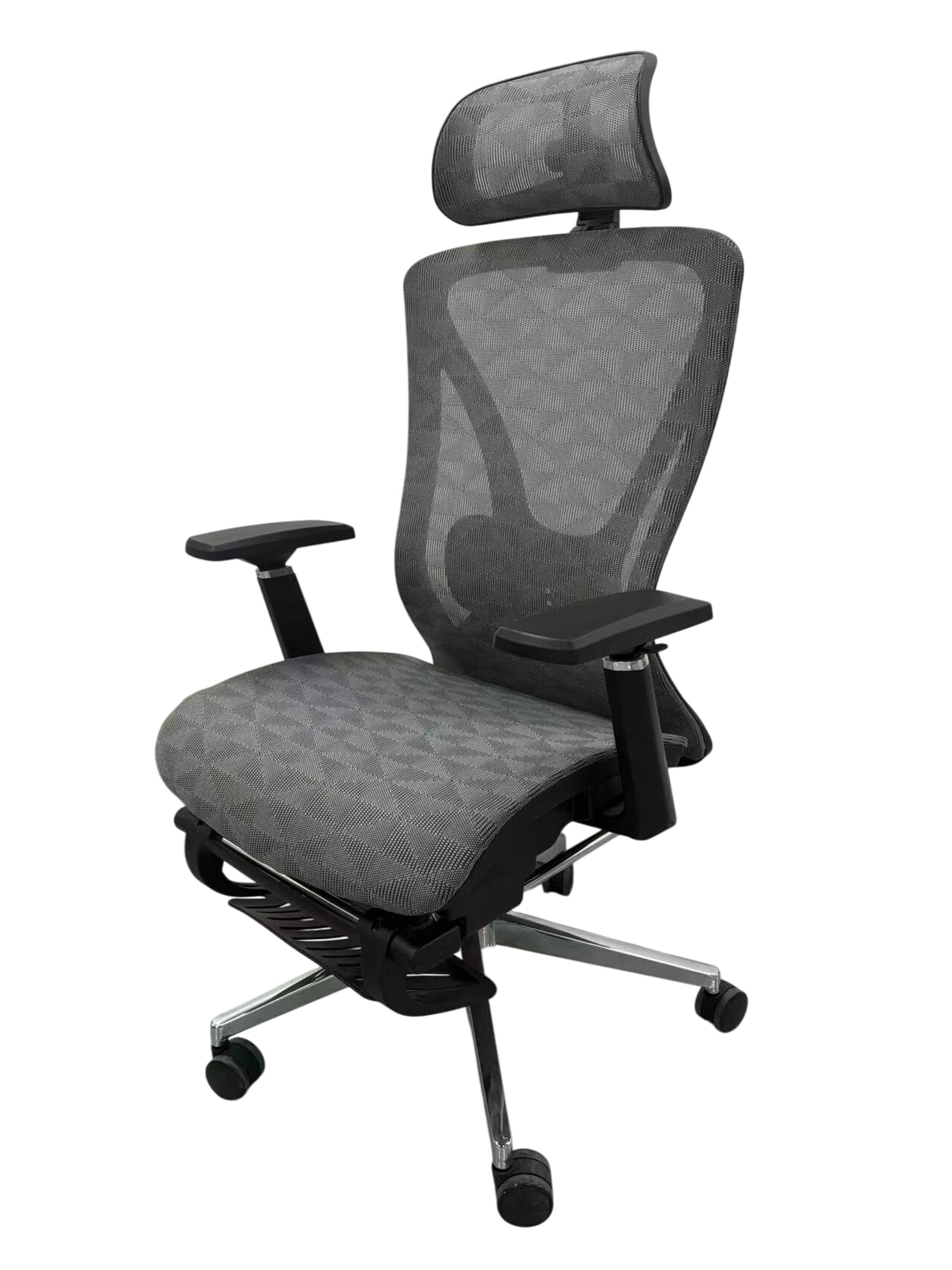
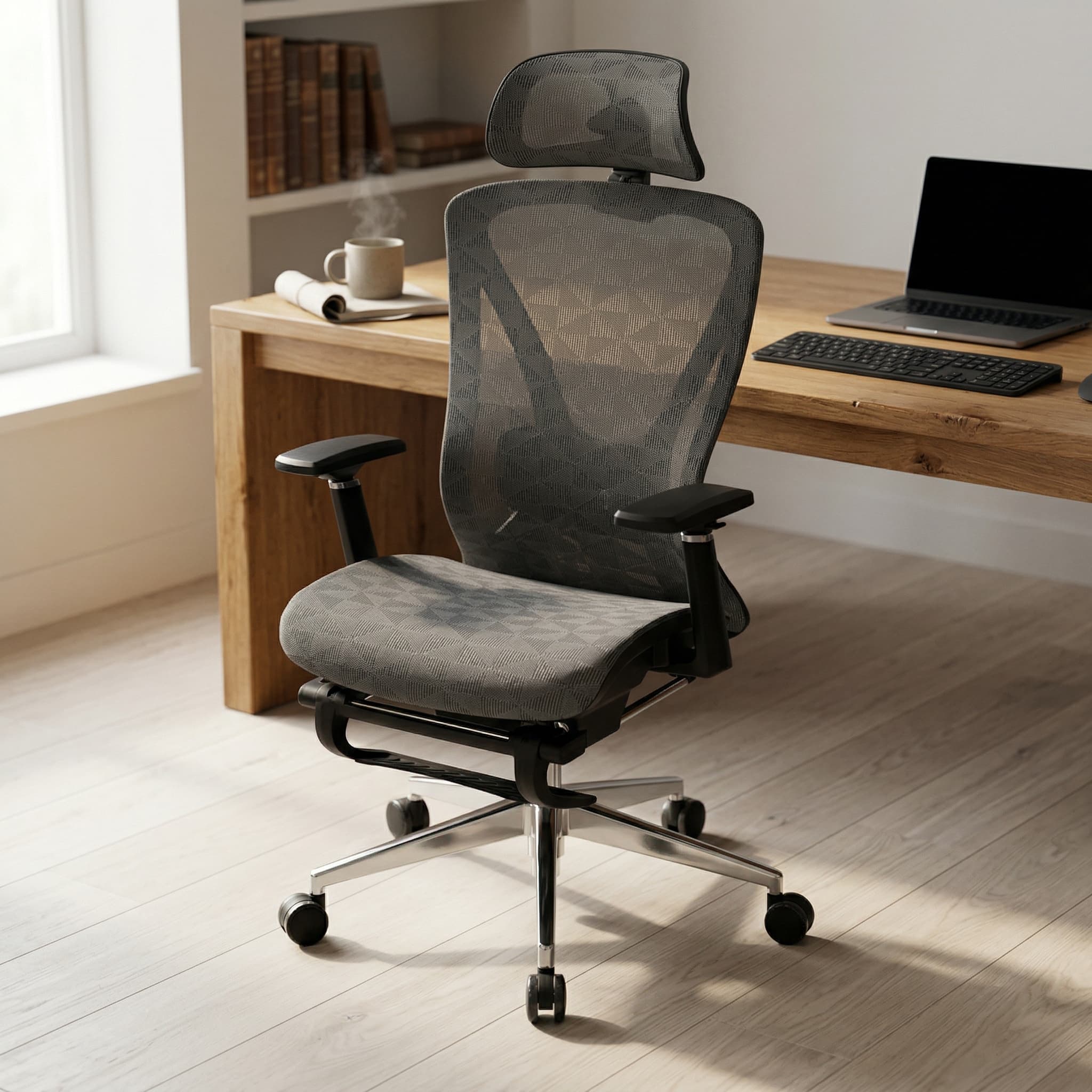
A white-background chair image turned into a warmer workspace hero
For furniture and office SKUs, one strong catalog image can become a much softer scene that feels closer to a real Shopify product page instead of a plain listing block.
Kitchen product imagery arranged into a sharper Shopify content rail
This set shows a more content-rich route: a base hero frame, an alternate countertop still, and an in-use crop that can fill PDP galleries, comparison modules, and remarketing creatives.
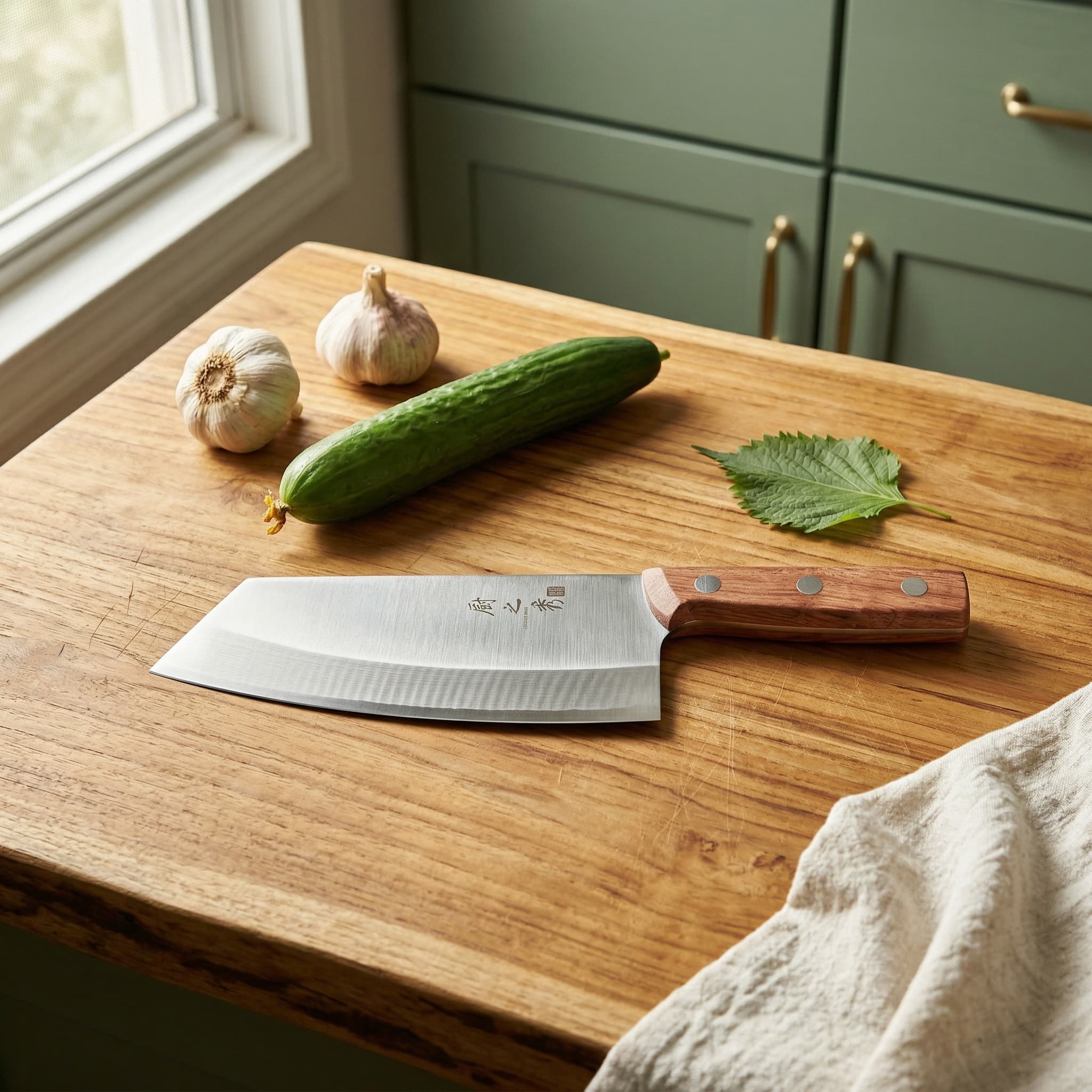
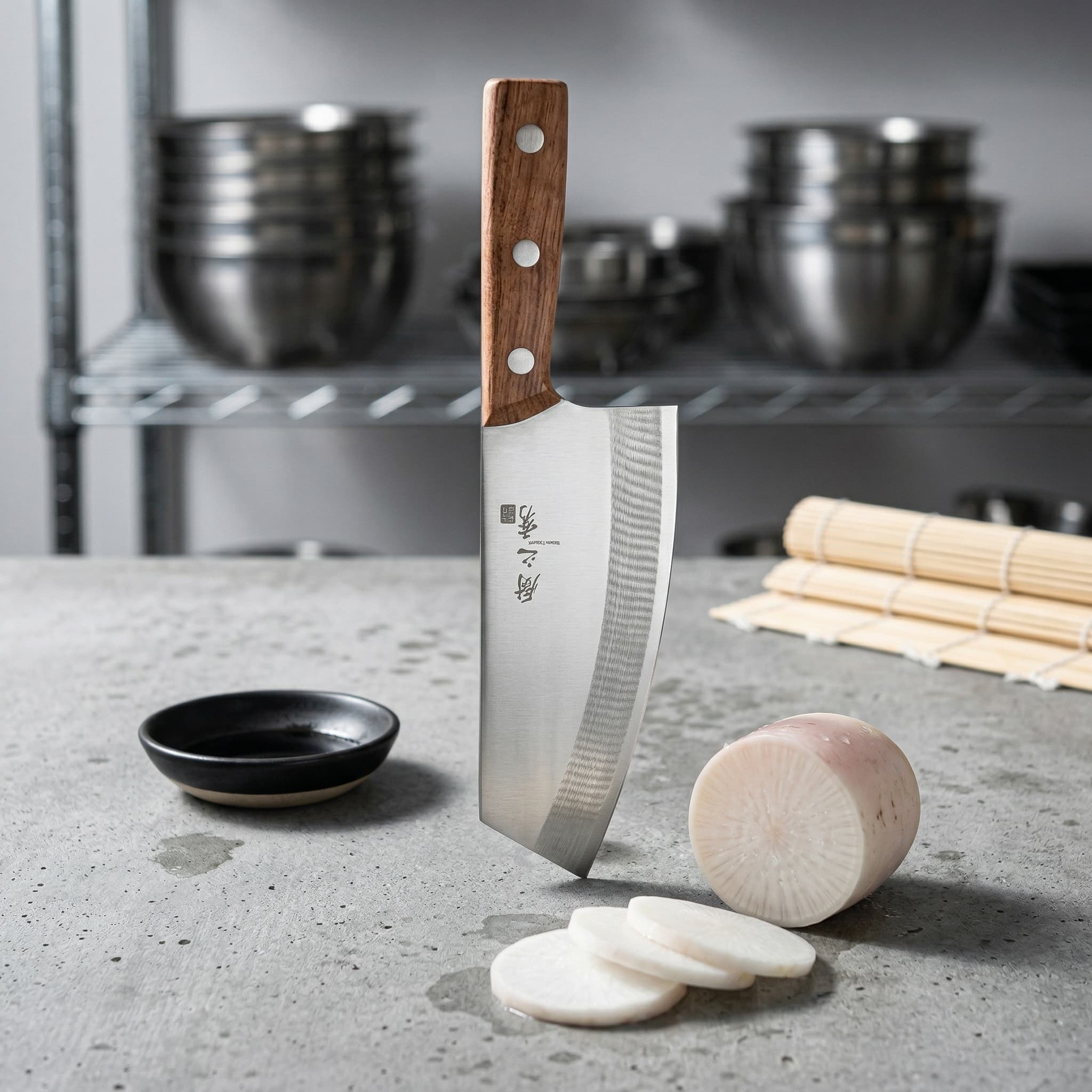
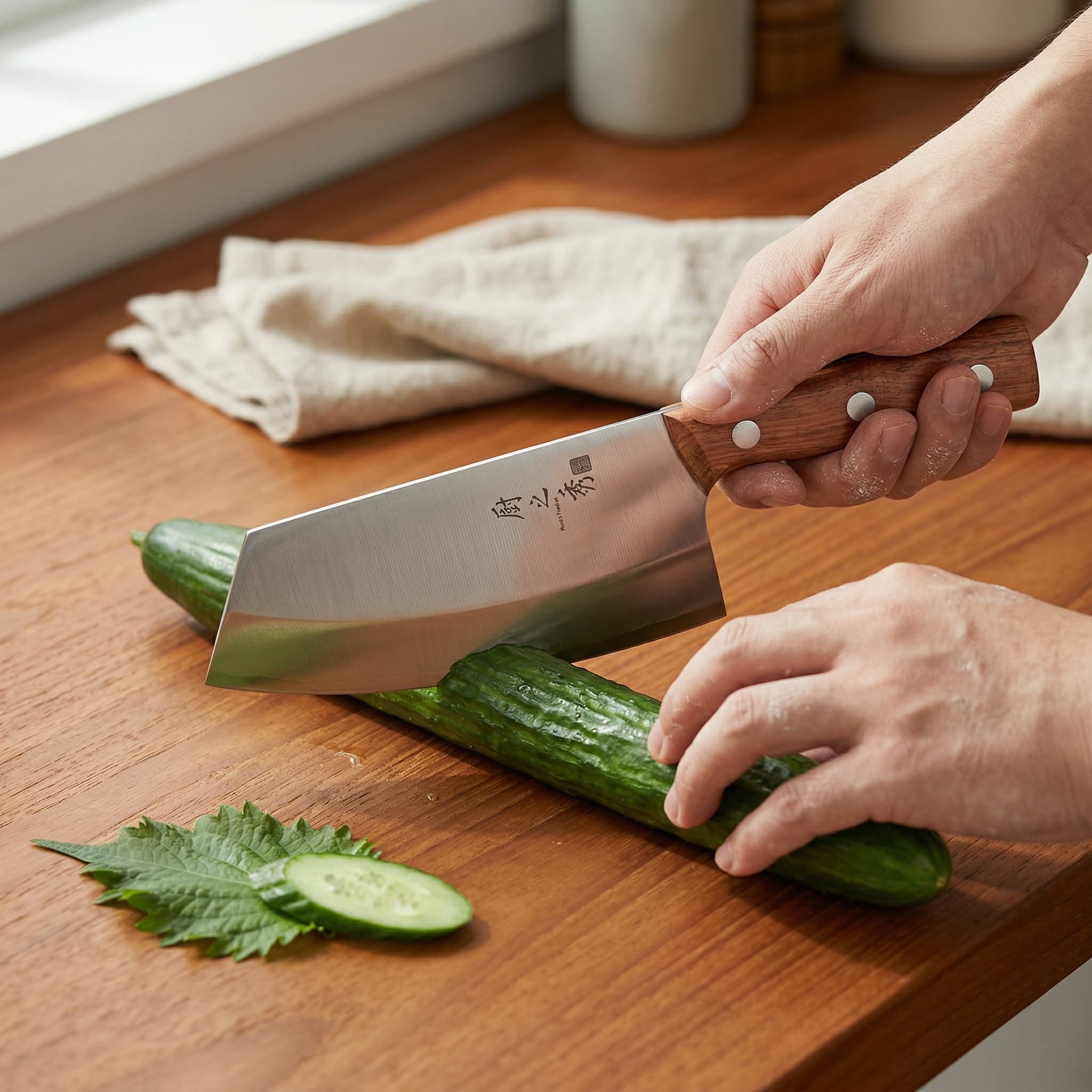
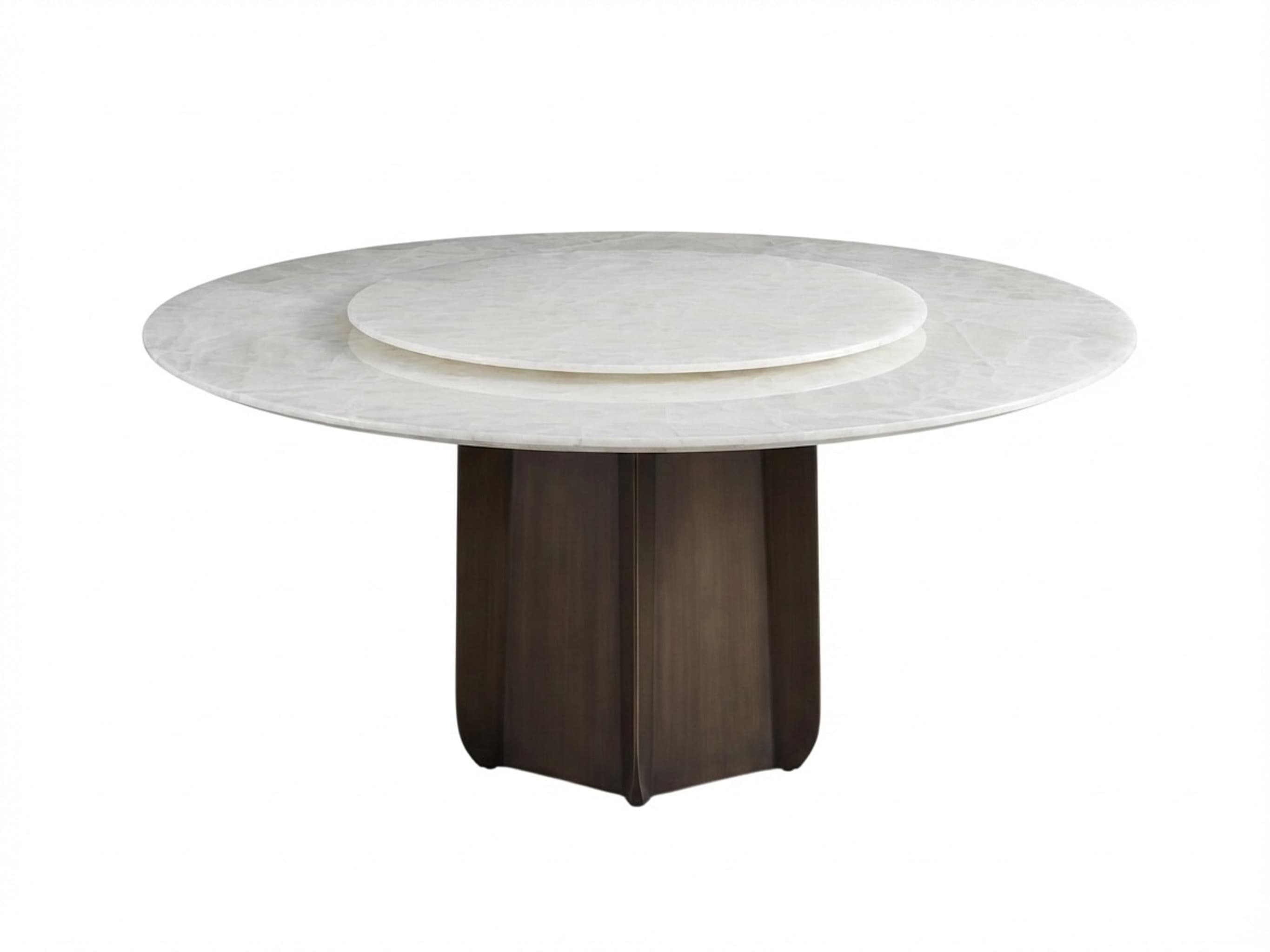
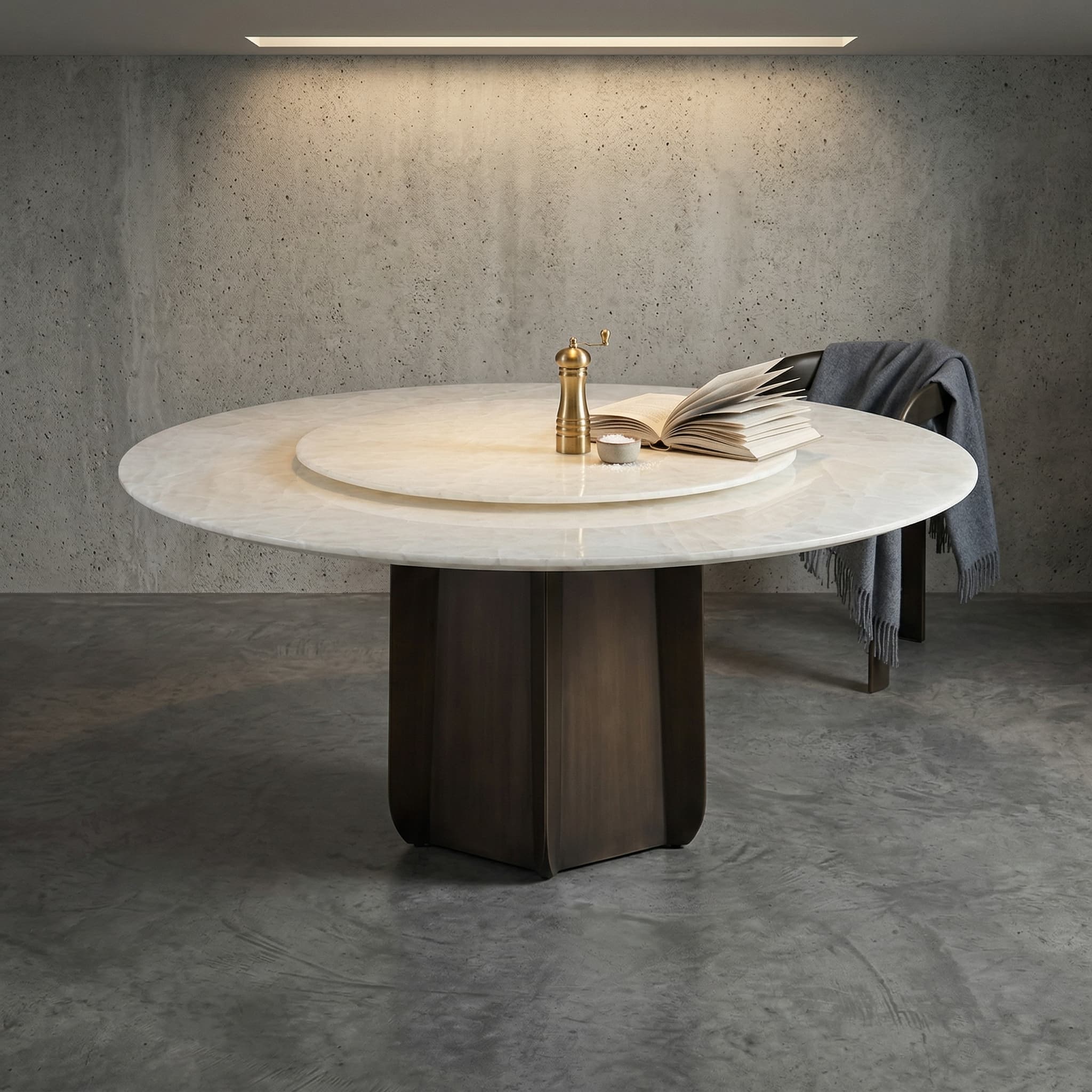
Larger home goods can shift from cutout-clean to architectural scene-led
For tables and larger decor pieces, a clean source image is useful for catalog structure, but the conversion lift often comes from letting the product sit inside a moodier interior frame.
What the Shopify workflow can include
Why this page is built for Shopify intent
Common questions
Is Fotoly better for Shopify than a generic editor?
Fotoly is designed around selling workflows, so it focuses on catalog images, scene shots, exports, and listing assets instead of only manual image editing controls.
Can I use these images for ads too?
Yes. Sellers often reuse clean product-page visuals and lifestyle scenes for paid social, product launches, and remarketing creatives.
Can I create both catalog and lifestyle images from one source photo?
Yes. Many Shopify stores start with one clean source image, then branch into white-background catalog frames, softer lifestyle scenes, and in-use PDP images from the same base asset.
Do I need a full product shoot before using Fotoly?
No. The workflow is designed for sellers who want to start from one workable source photo instead of producing a full catalog shoot for every SKU up front.
Can I keep my brand look consistent across many SKUs?
That is one of the main benefits. Sellers use repeatable scene directions, cleaner exports, and brand-fit visual references so product pages feel more consistent across collections.
Related pages
Explore related tools and guides
Shopify product image size and file limits
Distinguish Shopify’s upload limits from the practical 2048×2048 square workflow used for clear, consistent product galleries.
Shopify lifestyle product photos
Create credible product-in-context images that match the store’s visual tone without overpowering the SKU.
Create Shopify product photos from one source image
Branch one clean source frame into repeatable catalog, product-page, and lifestyle visuals across a collection.
Amazon listing images vs Shopify product-page images
Compare marketplace-first information density with calmer storefront imagery and adapt one source workflow for both channels.