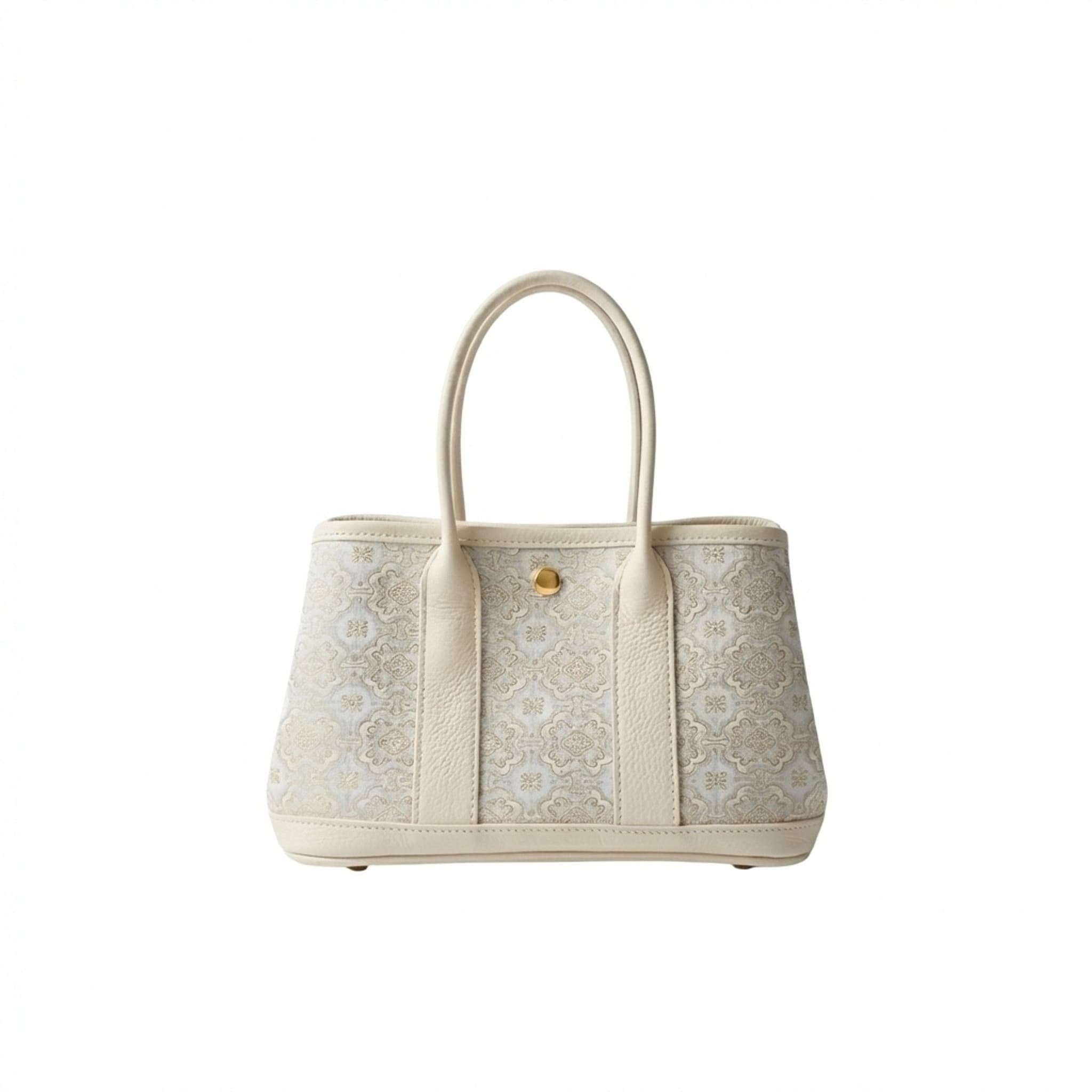
 Source
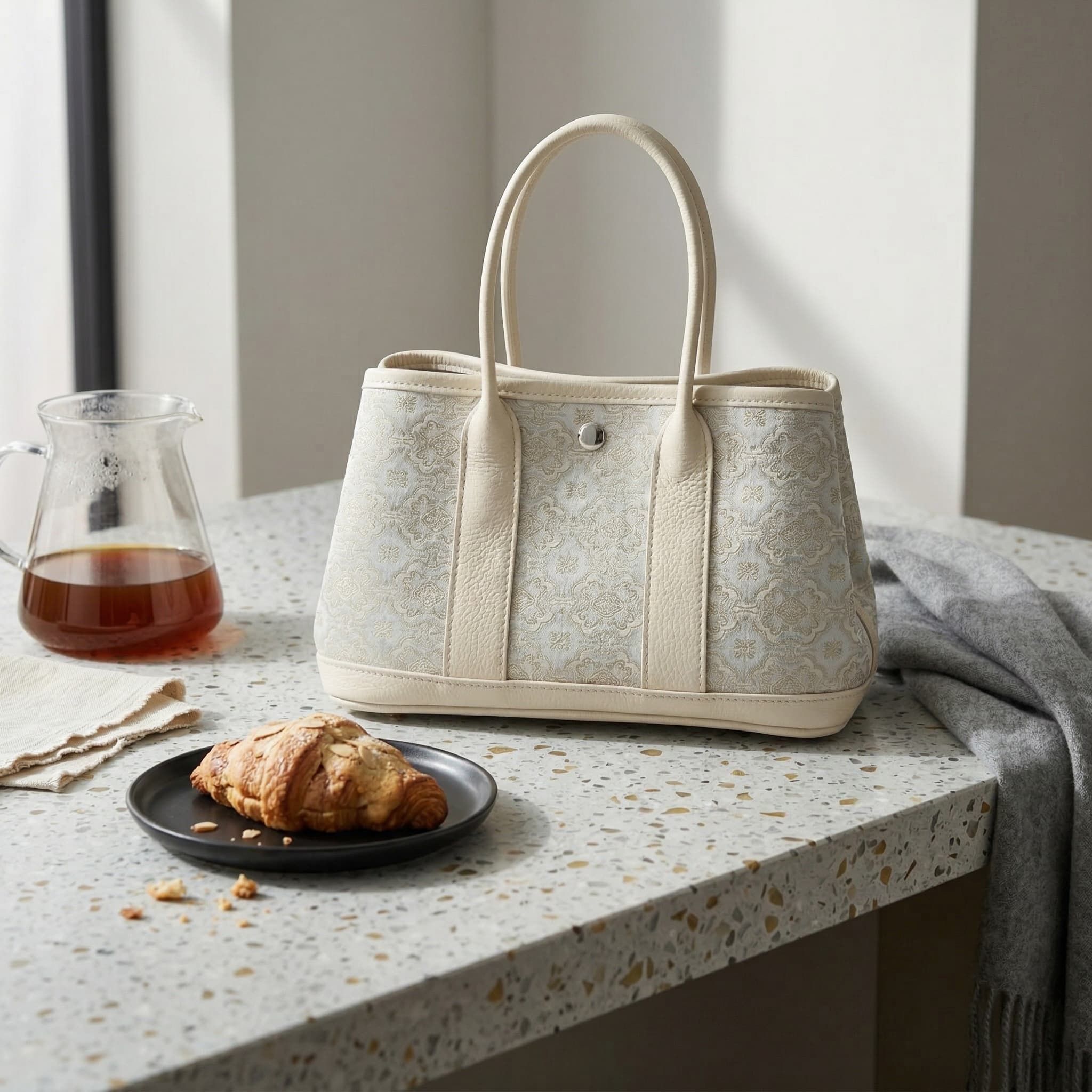 Visual
Clean product presentation
A source photo becomes a clearer visual for store pages.
AI product visuals for ecommerce
Turn one product photo into listing images, lifestyle scenes, and campaign banners for Amazon and Shopify. Start with a sample, then review and export your results.
Create product images for your listings or design a banner for your next campaign.
Use a single product image as the starting point, then choose the kind of ecommerce visual you need next.
SourceVisualA source photo becomes a clearer visual for store pages.
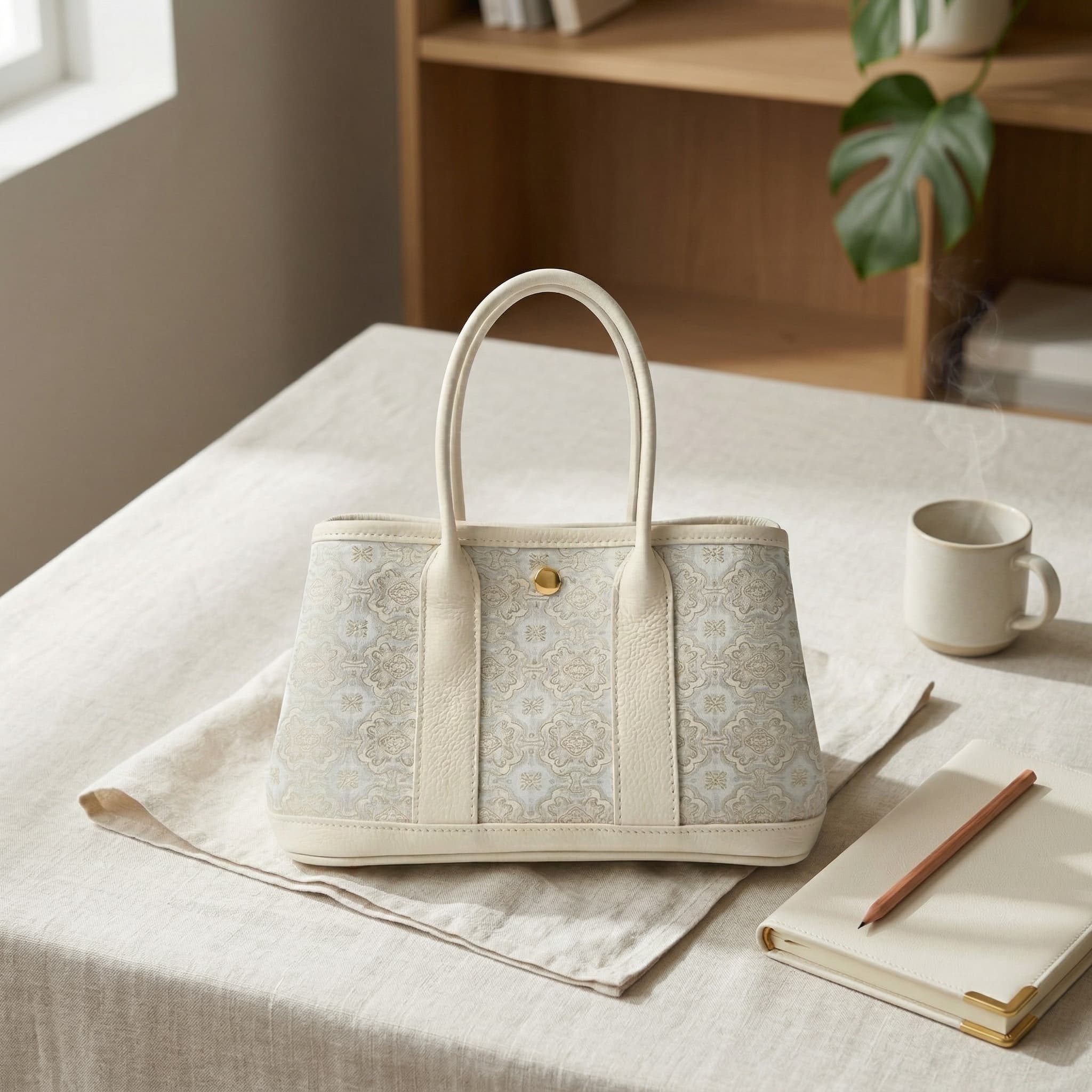
 Source
 Scene
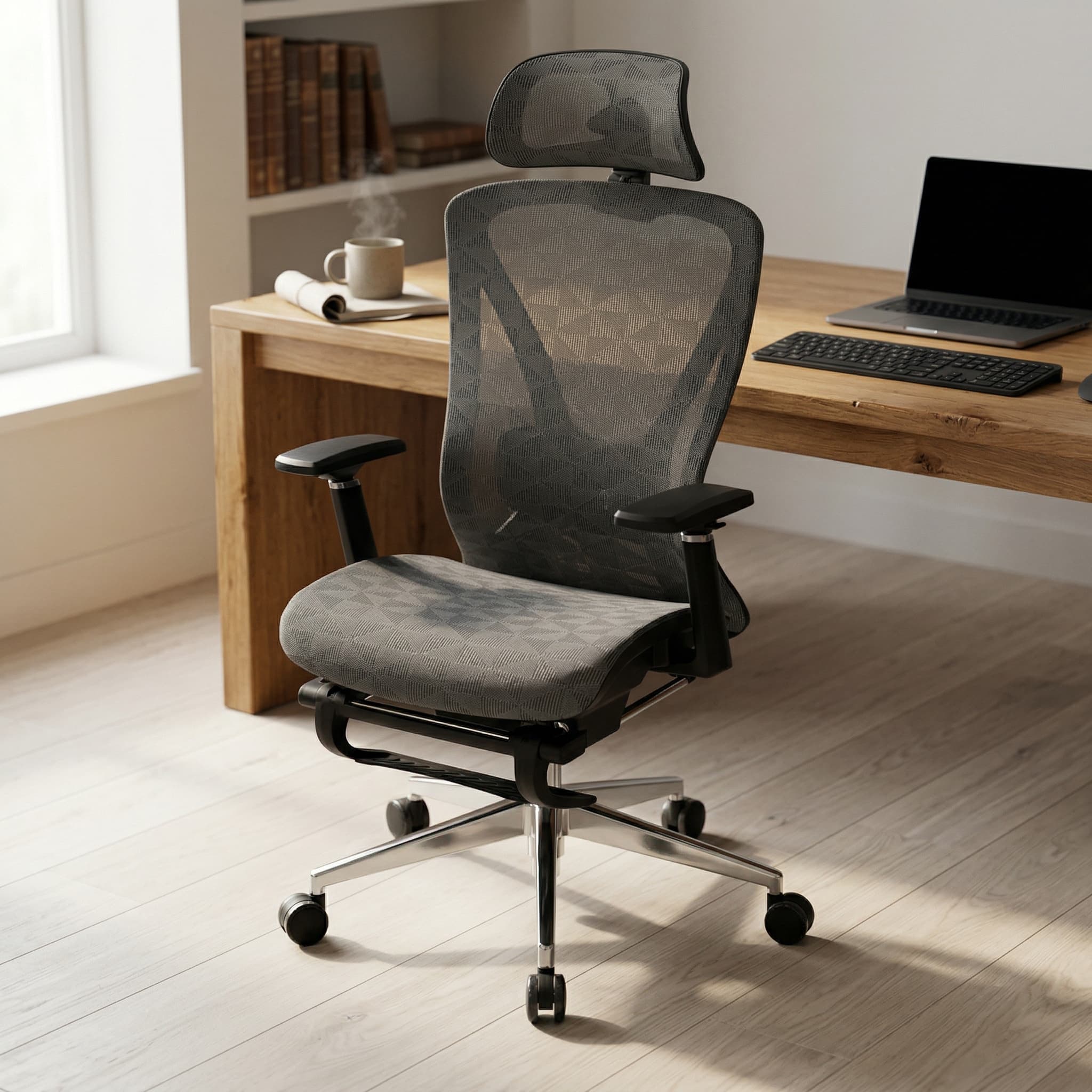
SceneA plain product photo can become a simple scene for browsing and comparison.
Start with a clear product photo. Choose a goal, review the details, and download your result.
Create listing photos or design a hero banner.
Use a sample to explore the flow, or add your own product photo.
Check the product details, then download the images you want to use.
Made for ecommerce
Prepare the images you need for a product launch in one workspace. Choose a selling platform, refine the visuals, and check them before publishing.
Try with a sampleCreate focused visuals for product detail pages and catalog grids.
Prepare product visuals that fit browsing, comparison, and discovery.
Start wider product visuals for ads, banners, and seasonal pages.
A main image, a lifestyle scene, and a store banner have different jobs. Use these guides to choose the right format before you create.
Plan a clear main image and supporting visuals that explain your product. Check marketplace requirements before publishing.
Read the guideChoose dimensions and aspect ratios for your store, then check how your theme crops images on mobile.
Read the guideFind practical image specifications and workflows for preparing your next product listing.
Read the guideStart with a listing image or campaign banner. The signed-in workspace also offers lifestyle scenes, listing copy, and product videos. Available outputs and credit costs depend on the workflow you choose.
Check the current rules for your marketplace, category, and placement. A main image has a different role from a supporting lifestyle image. Review the product shape, color, labels, and included accessories against your real item before publishing; generation does not guarantee platform approval.
Use a sharp, well-lit photo that shows the real product clearly. Keep packaging text readable and include the details that matter to buyers. If an angle or feature is not visible, add a reference or verify it yourself instead of relying on an invented detail.