Remove the background and keep moving toward a full listing set
Fotoly can clean up a product photo into a white-background image or transparent cutout, then keep going with scenes, exports, and listing assets if you need more than a single background-removal step.
See What Fotoly Creates From One Photo
Explore saved examples made with Fotoly. Your results depend on your product photo and selected options.
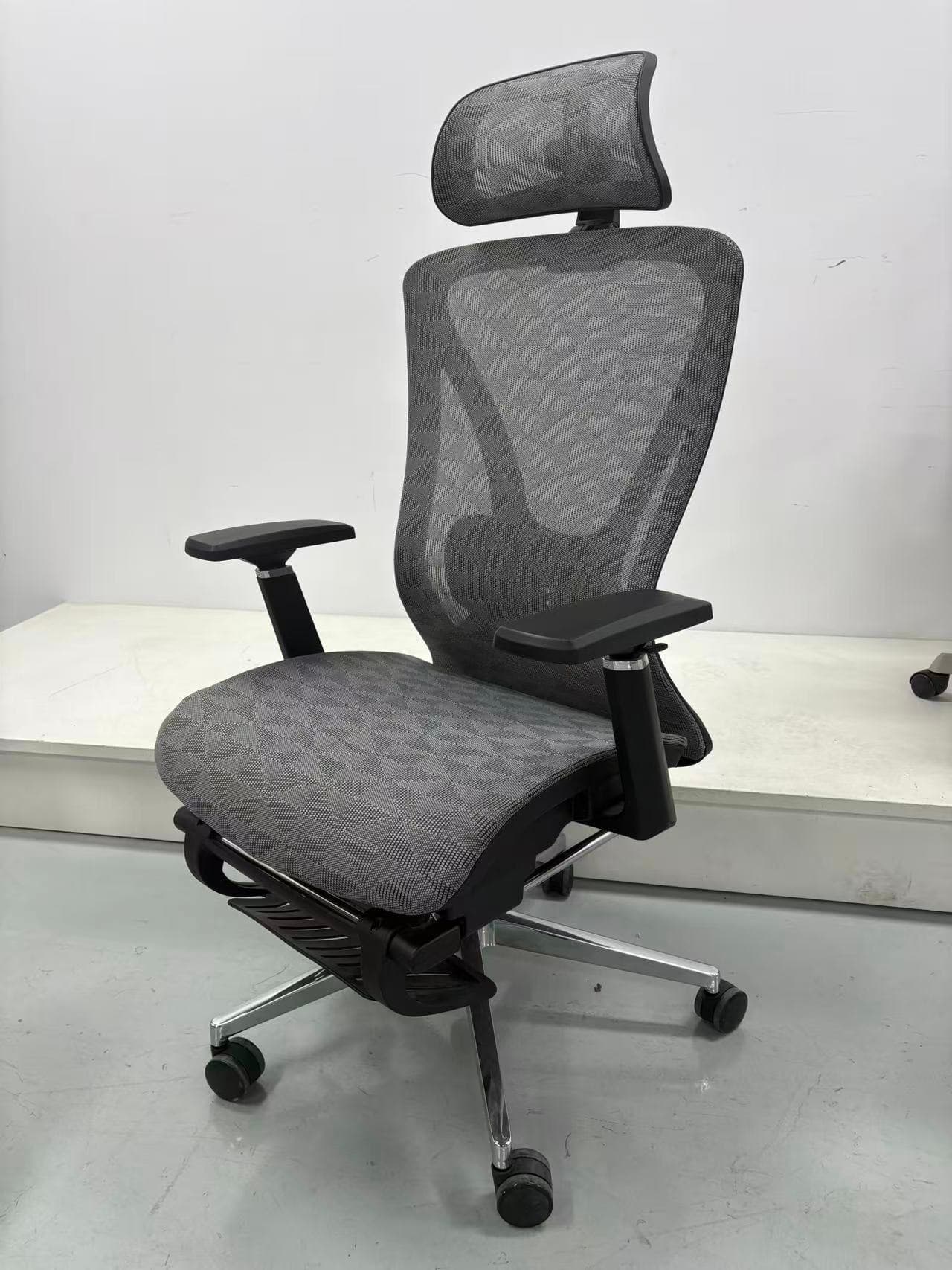
What you can get after background removal
Why this page is built for background-removal intent
Common questions
Can Fotoly remove the background and keep the product clean?
That is the goal. Fotoly is designed to clean up the product first, then use that cleaner source image as the basis for exports and additional listing assets.
Is this only for transparent cutouts?
No. Transparent cutouts are one option, but many sellers use the same cleaned image to create white backgrounds, marketplace images, and product-page visuals.
Related pages
Explore related tools and guides
White-background vs lifestyle product photos
Learn which image type works best for comparison, clarity, context, persuasion, and different stages of a product page.
Amazon product image requirements for 2026
Review current main-image rules, dimensions, formats, secondary-image options, and a practical compliance checklist.
Shopify product image size and file limits
Distinguish Shopify’s upload limits from the practical 2048×2048 square workflow used for clear, consistent product galleries.
Amazon Product Images
Create Amazon-ready product images from one photo: white background main images, infographic-style secondary images, lifestyle scenes, organized exports, and 100 free credits to start.