Amazon Main Image AI — prepare a white-background product photo
Amazon main images generally need a clean white background, a clear view of the product, and no promotional overlays. Fotoly removes the background to RGB(255,255,255), centers and scales the product on a square canvas, and prepares a 1600×1600 working export in one pass. Because category policies change, the final Seller Central check remains part of the workflow.
See What Fotoly Creates From One Photo
Explore saved examples made with Fotoly. Your results depend on your product photo and selected options.
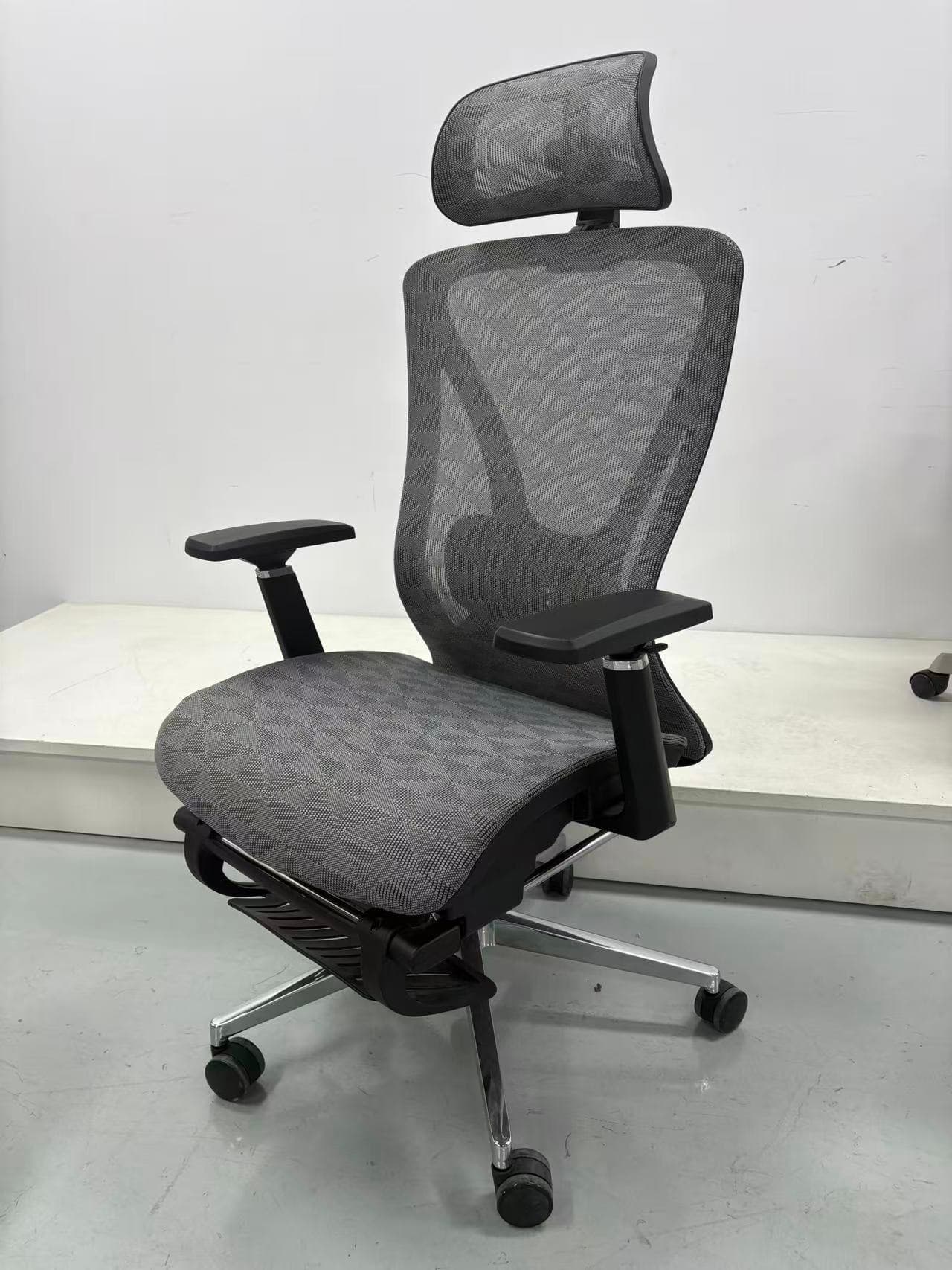
What to review in your Amazon main image
How to prepare a review-ready Amazon main image
Common questions
What are Amazon's exact main image requirements?
The exact rule set can vary by category and marketplace. A safe preparation workflow is to use an accurate product image on a pure white working background, avoid promotional overlays, keep the product fully visible, and use a high-resolution file. Check Seller Central immediately before publishing, and use /amazon-product-image-requirements-2026 as a practical checklist rather than a substitute for Amazon’s live policy.
Can Fotoly export in different sizes like 2000×2000 or 3000×3000?
Fotoly prepares a 1600×1600 square working export for this workflow. If your category or zoom target calls for a different size, use the platform export controls or resize the approved master while preserving detail. Treat Seller Central’s current upload guidance as the final authority.
Related pages
Explore related tools and guides
Amazon product image requirements for 2026
Review current main-image rules, dimensions, formats, secondary-image options, and a practical compliance checklist.
Amazon secondary-image strategy
Build a useful sequence of benefits, details, dimensions, proof, and real-world use instead of a pile of unrelated graphics.
Amazon A+ Content image sizes: Basic and Premium
Separate overview canvases from module-specific upload slots, then export each A+ asset to the dimensions shown in Content Manager.
Create Amazon infographic images from one source image
Turn one clean product photo into a structured set of benefit, detail, and use-case support images.