A pro-looking eBay listing from one photo
Fotoly turns one product shot into an eBay-ready HTML description — hero banner, feature strip, dimension graphic, and a Fast-Shipping / Returns / Warranty trust bar. Copy once, paste into Seller Hub, done.
 01
01Product Still Life
Product staged with related gear
 02
02Feature Callout · POV Scene
Scene + bullets · highlights real usage
 03
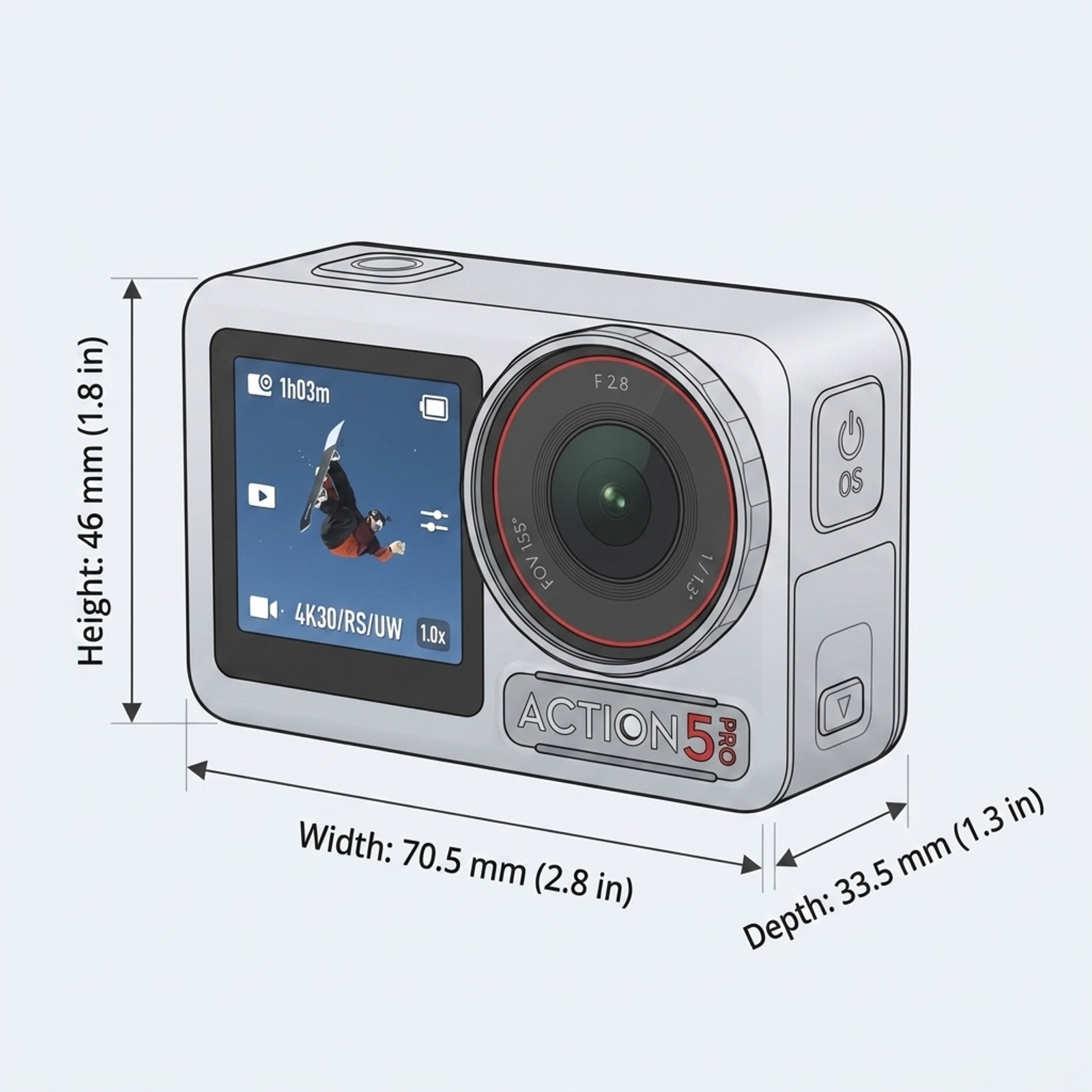
03Dimension Diagram
Labeled H / W / D · at-a-glance sizing
 04
04Feature Callout · Waterproof
Scene + bullets + callout bubble
 05
05Feature Callout · Action POV
Scene + bullets · real-world capture
 06
06Lifestyle Scene · Dive Gear
Product staged with dive gear
All six images assemble into one eBay HTML description you paste into Seller Hub
Real output preview
5 styles · one click · this is the HTML you get
Below is the actual eBay description HTML generated from one action-camera source photo, switchable across 5 template styles. Each is eBay-compliant inline CSS — copy and paste into Seller Hub.
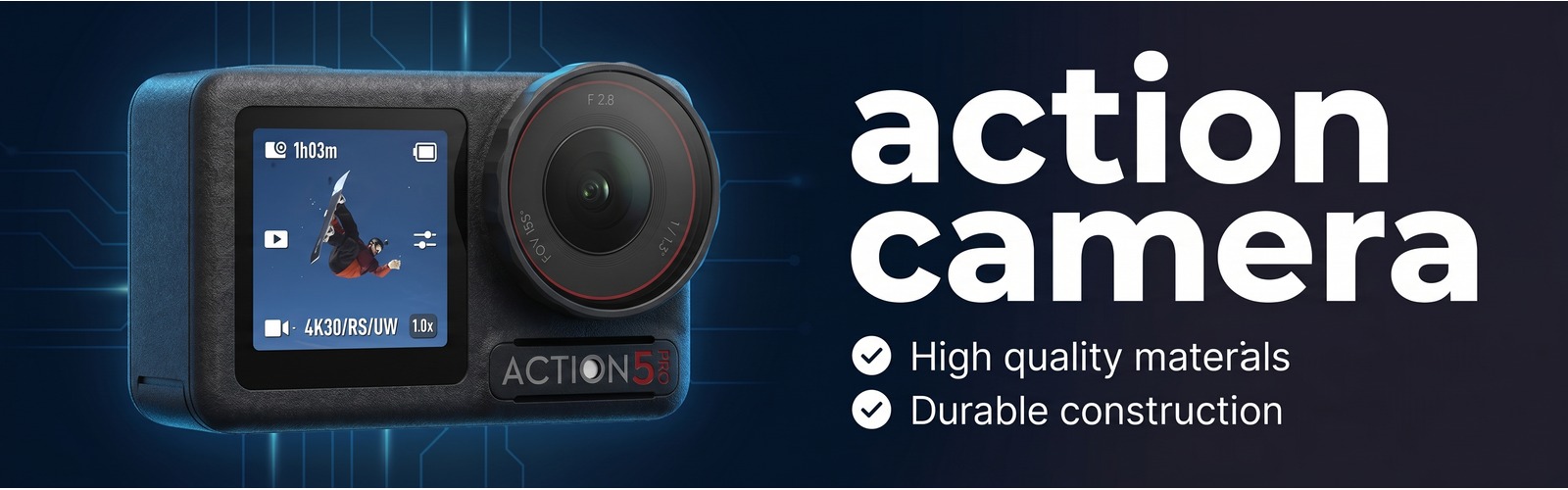 | ||||||
action camera |
||||||
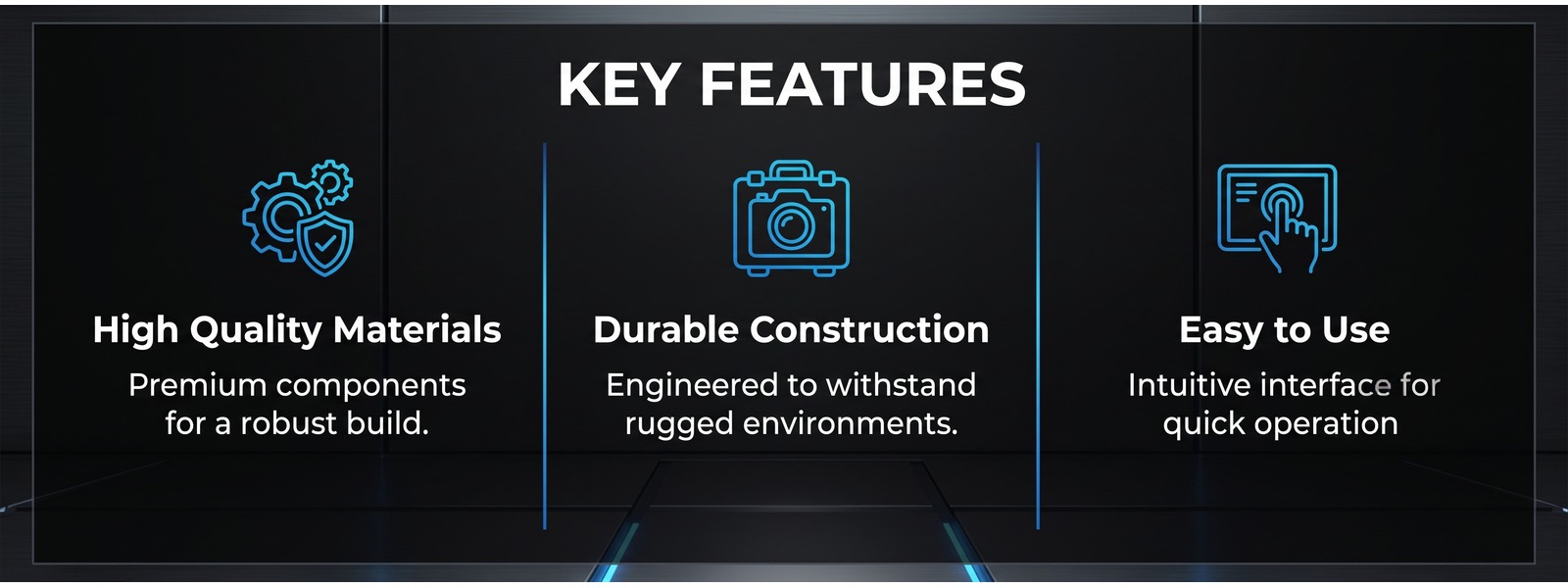 | ||||||
Product Gallery |
||||||
| ||||||
Dimensions |
||||||
|
||||||
 | ||||||
|
action camera · © 2026 All rights reserved. | ||||||
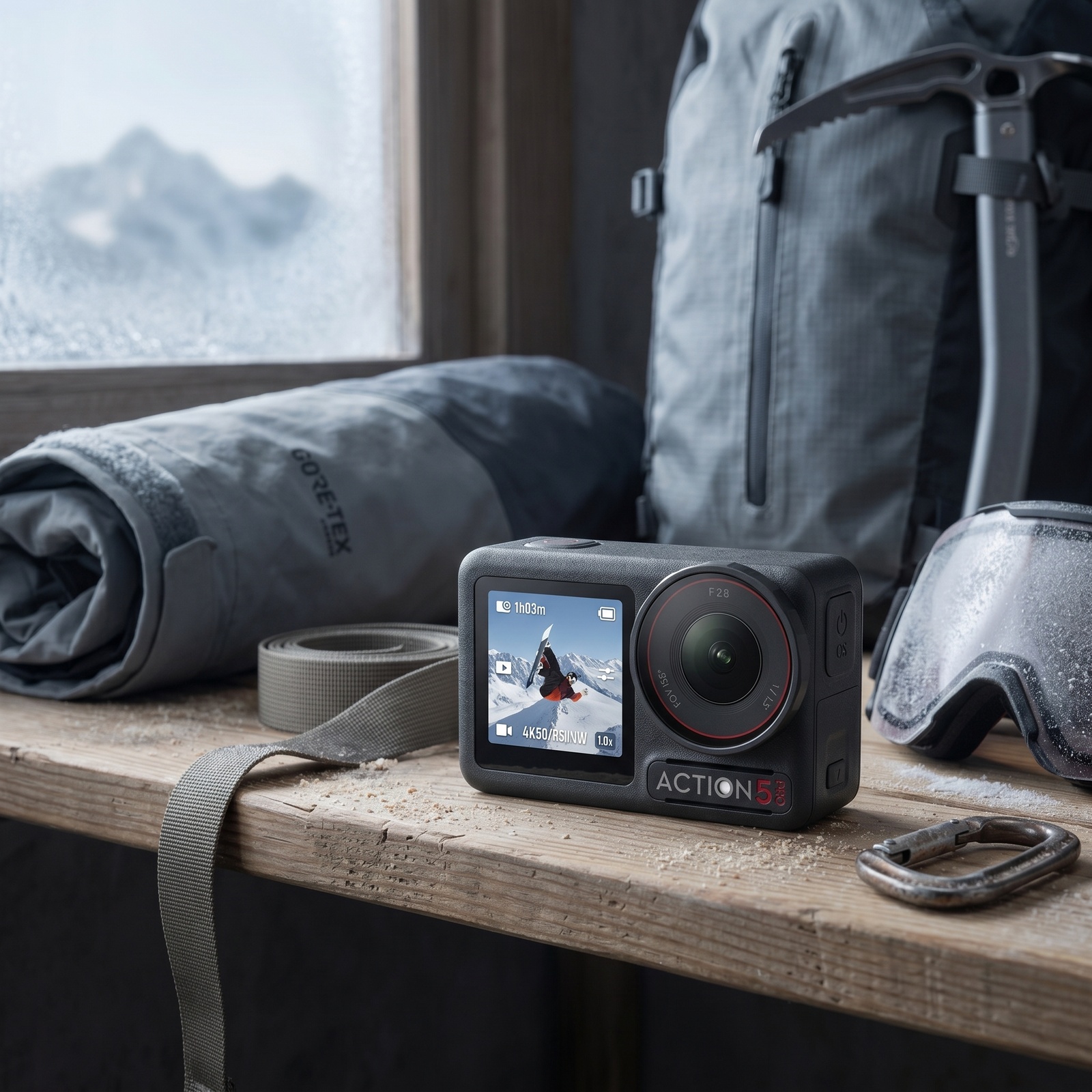
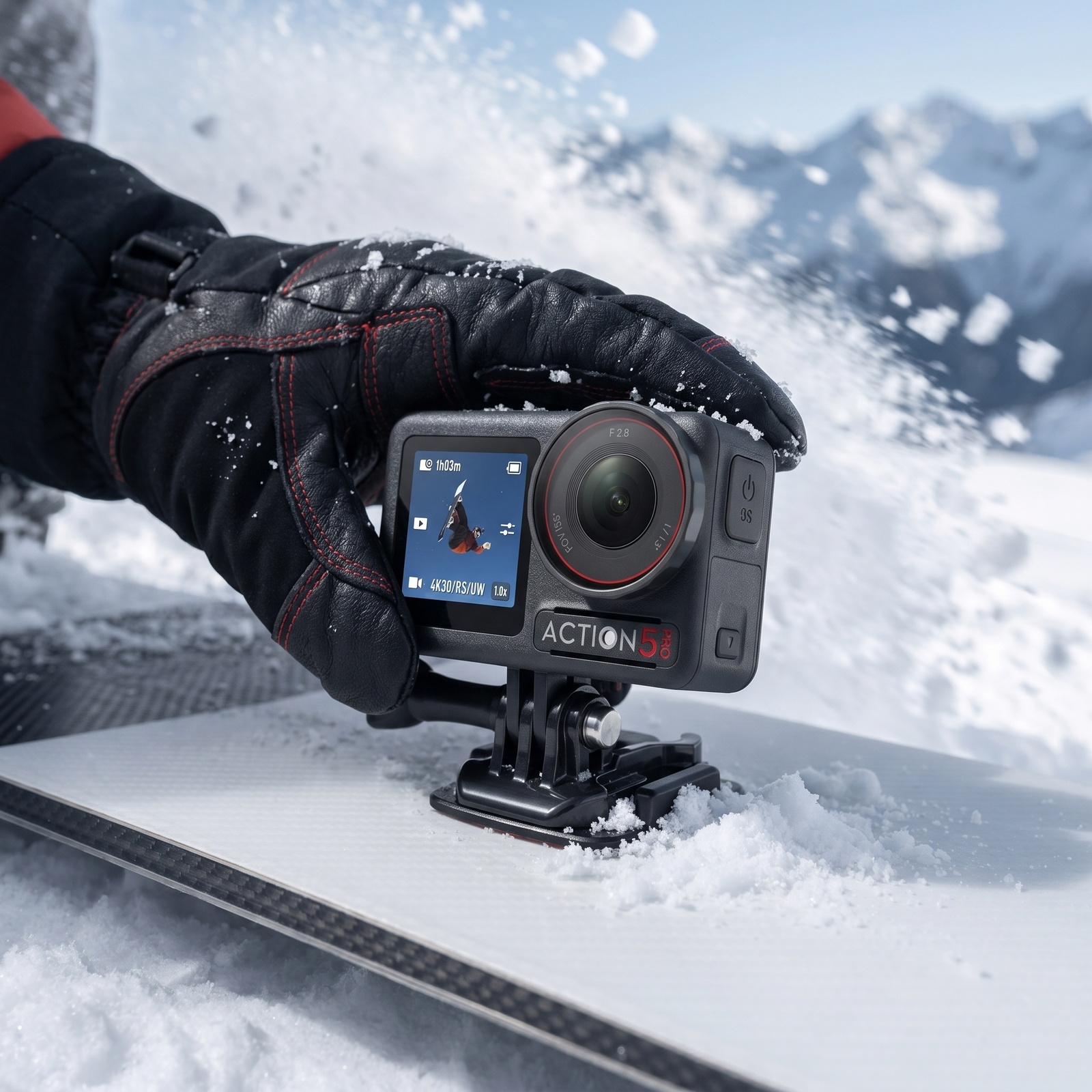
↑ Actual rendered eBay item-description HTML · all inline CSS, passes eBay active-content filter
What you get in one eBay generation run
Why HTML description images beat plain-text eBay listings
Common questions
What is an eBay HTML description?
The eBay item description is the long-form content section below the title/price on an eBay listing. Unlike the gallery, this section accepts HTML — so sellers can embed images, format text, and create a branded look. eBay restricts HTML to a safe subset (no scripts, no external CSS), so most sellers default to plain text. Fotoly generates eBay-safe HTML with embedded banner images automatically.
Is the HTML eBay policy-compliant?
Yes. eBay blocks "active content" (JavaScript, Flash, embedded forms, external style sheets) since 2017. Fotoly's HTML template uses only inline styles and static <img> tags — fully compliant with eBay's active content policy. Images are hosted on our R2 CDN so they load reliably on both desktop and mobile eBay apps.
How do I paste the HTML into eBay?
In Seller Hub listing editor, go to the Item Description section and click the "HTML" tab (next to "Standard"). Copy the Fotoly-generated HTML from the dashboard and paste it in. Switch back to "Standard" tab to preview. Save the listing. The hero banner, feature strip, and trust bar will render inside the description.
What sizes are the eBay description banners?
Hero banner is 1600×500 (@2x retina). Feature strip is 1600×600. Trust bar is 1600×250. All render at full width inside the eBay description container and scale down cleanly on mobile. Delivered as optimized JPG with automatic compression below 300KB per image so the description loads fast on mobile data.
Does this also generate the normal eBay gallery photos?
Yes. The eBay package includes the full listing image set — white-background main, 2 lifestyle scenes, 4 feature callouts, 2 in-use images — plus the 3 description banners. One upload, full eBay listing toolkit.
How much does it cost?
The 3-banner description set costs 10 credits on top of the eBay package. Full eBay package (all listing images + HTML description banners) is 32 credits total. New users get 100 free credits, enough to generate 3 full eBay listings to test quality before paying.
Related pages
Explore related tools and guides
White-background vs lifestyle product photos
Learn which image type works best for comparison, clarity, context, persuasion, and different stages of a product page.
How sellers build a full product image set with AI
Plan a complete set from one source photo, including clean anchors, context, details, and channel-ready exports.
AI Background Remover for Product Photos
Remove backgrounds from product photos and turn one image into a clean white-background asset, transparent cutout, or a stronger ecommerce starting point.