Etsy listing photo size: prepare for search, thumbnails, and 20 slots
Etsy recommends listing photos at least 2000 pixels in both width and height. The first photo should be at least 635 pixels wide and high, and each listing can contain up to 20 photos.
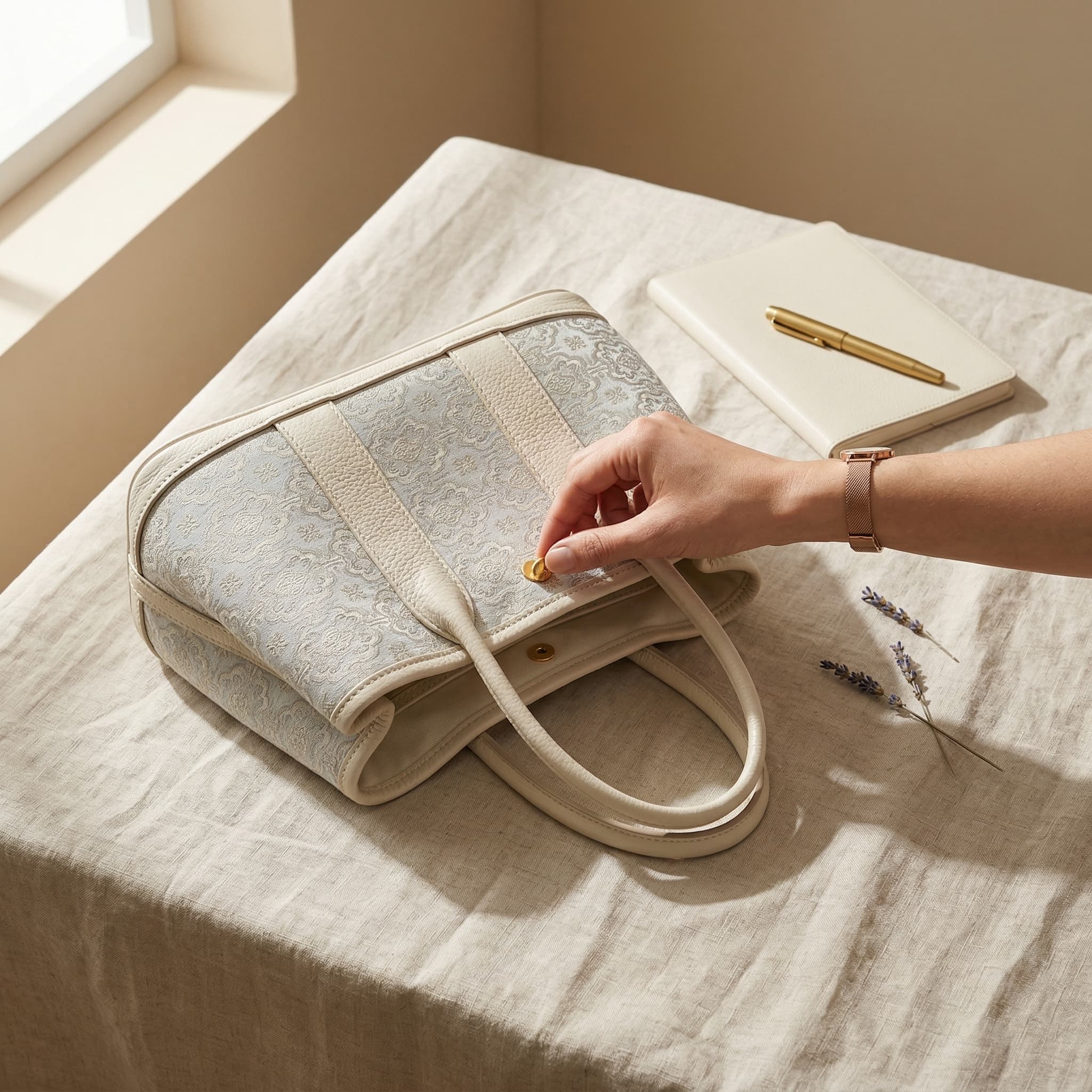
Resolution is only one part of an Etsy-ready image. The first photo must survive several thumbnail crops, colors should be prepared in sRGB, and unsupported transparency or animation can create unexpected results.
Build an Etsy-ready listing image set
Prepare a 2000px-or-larger source
Export listing photos so both width and height reach at least 2000 pixels. Avoid enlarging a small thumbnail because upscaling can reveal softness and artifacts.
Preview the three thumbnail crops
Start with a landscape composition and keep the product away from the edges. In Etsy’s thumbnail adjustment tool, inspect square, portrait, and landscape views before publishing.
Convert color to sRGB
Etsy converts images to sRGB. Export in sRGB before upload so color and contrast are more predictable than a print-oriented CMYK source.
Use the 20-photo allowance as a story
After the first image, show alternate angles, scale, materials, details, variations, packaging, and real use. Do not fill slots with near-duplicate crops.
Check format and upload behavior
Use a supported file type. Flatten transparency because transparent PNG areas can appear black, and replace animated GIFs with a supported static image or listing video.
Requirements versus practical recommendations
Editorial and verification method
We rechecked Etsy’s official image-requirements and listing-creation pages on October 10, 2026. The 635px first-image guidance relates to search visibility; it is not presented here as a universal upload rejection threshold. Thumbnail previews and published results still need manual review.
Sources and references
Common questions
What size should Etsy listing photos be?
Etsy recommends that listing photos have a width and height of at least 2000 pixels. Start with a sharp original instead of enlarging a small image.
What is the minimum size for the first Etsy photo?
Etsy says the first listing photo should be at least 635 pixels wide and high to avoid appearing lower in search. A 2000px-or-larger source gives more crop flexibility.
How many photos can an Etsy listing have?
As of October 10, 2026, Etsy’s listing help says you can add up to 20 photos and two videos of 5–15 seconds each.
Can I upload a transparent PNG or animated GIF to Etsy?
Etsy lists PNG and GIF as supported file types, but explicitly says transparent PNG and animated GIF are not supported. Transparency can appear black after upload.
Related guides
Continue with the next most relevant guides
Choose the right image types for your sales channel and review the details before publishing.