Shopify product image size: hard limits and the practical 2048px target
Shopify accepts product and collection images up to 5000×5000 pixels or 25 megapixels, with each file under 20MB. For square product images, Shopify says 2048×2048 usually displays best.
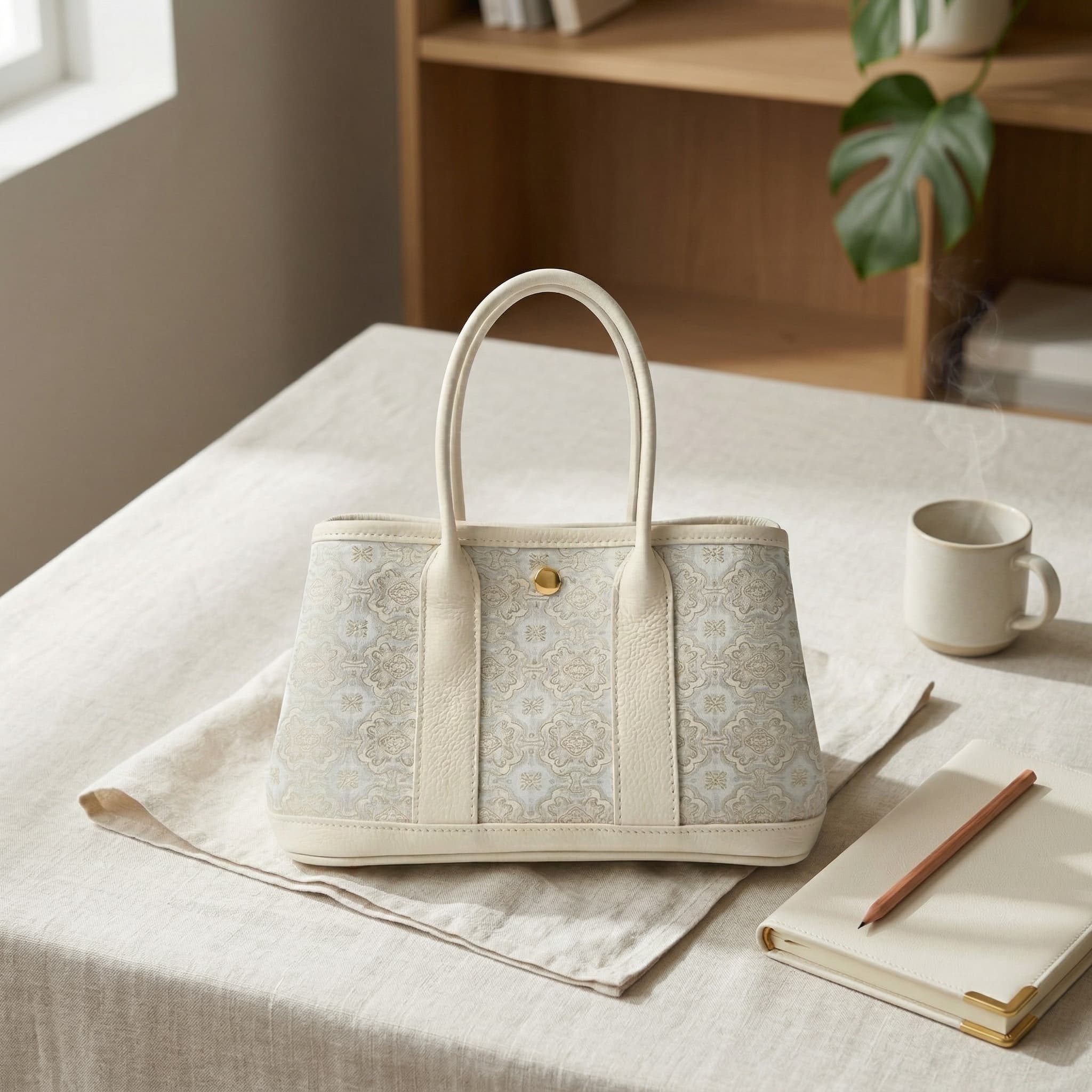
The maximum is not the target. A consistent 2048px square master is a strong default for many catalogs because it supports detail and collection-grid consistency without uploading unnecessarily large files. Your theme and product shape still determine the final crop.
Prepare a fast, consistent Shopify image set
Inspect the active theme
Open a real product page and collection grid on desktop and mobile. Record the featured-image ratio, gallery crop behavior, zoom behavior, and any theme-specific recommendations.
Choose one collection ratio
Use a consistent aspect ratio for featured images across the collection. Square is a dependable default, but a fashion or editorial theme may intentionally use portrait images.
Create a 2048px working export
For a square catalog, export at 2048×2048. Keep enough resolution for close inspection while staying well below Shopify’s 5000×5000 or 25-megapixel ceiling.
Optimize the file
Keep every upload under 20MB. Use PNG when its quality or transparency is useful; use a well-compressed photographic format when it materially reduces weight without visible damage.
Test the entire gallery
Check collection cards, thumbnails, PDP gallery, zoom, and mobile. Confirm that variants use the correct image and that the first frame remains recognizable in every crop.
Limit, recommendation, and theme behavior
Editorial and verification method
We reviewed Shopify’s English product-media documentation on July 17, 2026 and separated upload ceilings from Shopify’s usual 2048×2048 square recommendation. Theme-dependent behavior is presented as a test requirement, not a universal rule.
Sources and references
Common questions
What is the best Shopify product image size?
For square product images, Shopify says 2048×2048 pixels usually displays best. Treat that as a strong default, then test your active theme and product shape.
What is Shopify’s maximum image size?
Product and collection images can be up to 5000×5000 pixels or 25 megapixels, and each file must be smaller than 20MB.
Should every Shopify product image be square?
No. A consistent featured-image ratio helps collection grids, but gallery images can use other ratios when the theme and merchandising plan support them. Preview every context before publishing.
Does Shopify resize product images automatically?
Yes. Shopify creates multiple sizes for different theme contexts and serves an appropriate format to the customer’s browser. You still need a sharp, correctly cropped source image.
Related guides
Continue with the next most relevant guides
Choose the right image types for your sales channel and review the details before publishing.
Shopify lifestyle product photos
Add believable context while keeping the product page visually consistent.
Build Shopify photos from one source image
Create a repeatable catalog and PDP workflow across multiple SKUs.
AI product-photo software for Shopify
Compare tools by workflow, brand consistency, and reusable output.
Amazon images vs Shopify images
See why the same source photo needs a different final treatment by channel.