TikTok Shop product image requirements: square, clear, and region-aware
TikTok Shop’s linked regional policy allows up to nine square images and requires a main image showing the product’s front physical view on a pure white background. Requirements can vary by market, so Seller Center remains the final check.
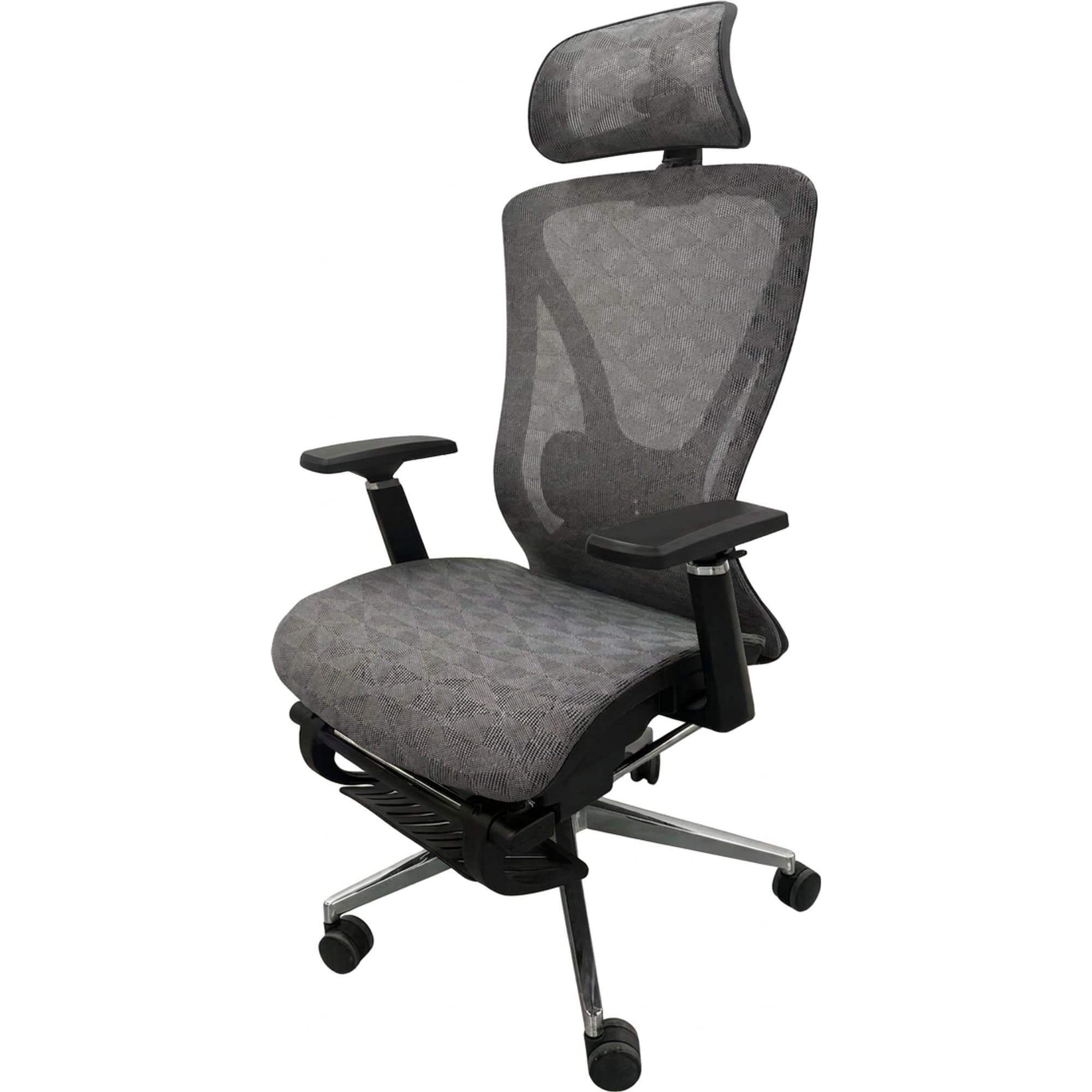
Prepare a deliberate 1:1 export instead of relying on an upload flow to auto-convert a non-square source. The main image should be an objective product view; additional images can explain angles, details, accessories, scale, and use.
Prepare a compliant square image sequence
Open the policy for your market
Start in the Seller Center for the country where the listing will run. Confirm the current minimum pixels, allowed media, category restrictions, and enforcement notices before editing.
Create the main physical product view
Use a clear front view of the item customers will receive on a pure white background. Do not use a placeholder, unrelated prop set, or an image that changes the product.
Export a controlled 1:1 crop
Compose and export the square file yourself. Keep the full product readable with sensible margins rather than trusting an automatic conversion to choose the crop.
Build distinct additional views
Use the remaining slots for back, sides, details, included accessories, scale, variations, and accurate use. Avoid repeating the same angle.
Review listing truthfulness
Confirm every image represents the exact product, color, package, and included items. Recheck the regional policy and the live Seller Center validation before publishing.
Control the crop and separate image roles
Editorial and verification method
We reviewed TikTok Shop’s Mexico product-listing policy and Partner Center upload documentation on July 17, 2026. Market-specific requirements are labeled as such; this guide treats the seller’s live regional policy and upload validation as authoritative.
Sources and references
Common questions
How many images can a TikTok Shop listing use?
The linked TikTok Shop regional product-listing policy allows up to nine square images. Check the live Seller Center for your country because availability and enforcement can vary.
Does the TikTok Shop main image need a white background?
The referenced policy requires the main image to show the front physical view of the product on a pure white background. Verify the current rule for the market where you sell.
What happens if my image is not square?
Some partner or upload flows may convert a non-1:1 source. Exporting a square crop yourself is safer because you control framing and can inspect it before upload.
Can I add text or a watermark?
The linked Mexico policy says product images must not include added logos, text, borders, watermarks, or graphics covering the product or background. Regional rules may differ, so confirm locally.
Related guides
Continue with the next most relevant guides
Choose the right image types for your sales channel and review the details before publishing.
Amazon product image requirements
Compare another marketplace’s stricter main-image workflow.
White background vs lifestyle images
Assign the right job to the main image and supporting scenes.
Build a full image set
Plan distinct angles, details, and contextual support images.
Marketplace trust photography
See how clarity and truthful condition details build buyer confidence.